


Single video
The single-video tab turns one YouTube link into a transcript. Paste the URL and INDXR reads the captions YouTube already has — the text track that plays as subtitles — usually in a couple of seconds. This is the fastest way in, and for a captioned video it is free and needs no account. When a video has no captions, you can switch on AI transcription instead.
Paste a link and extract
Extraction takes three steps and no setup.
- Paste a single video URL into the box. A whole-channel URL is not accepted — INDXR works on videos and playlists, so make a playlist and paste that instead.
- INDXR fetches the captions and groups the raw fragments into readable paragraphs.
- Read it on the page, or download it — see the export formats.


No captions? Switch on AI transcription
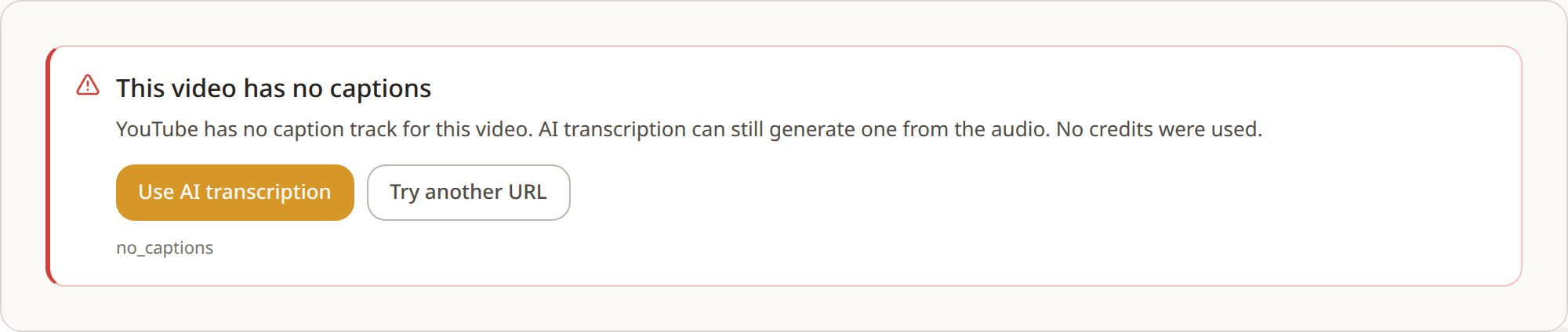
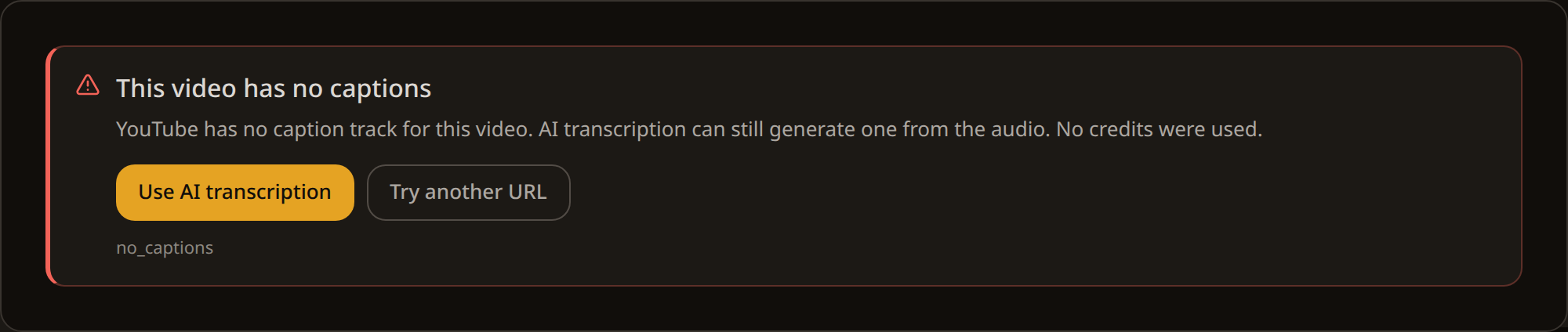
Not every video has captions. When none are found, signed-in users can turn on AI transcription — INDXR downloads the audio and transcribes it with a speech-to-text model.
YouTube caption extraction stays free; AI transcription costs 1 credit per minute of audio (rounded up, minimum 1). The toggle only appears once you are logged in.
Restricted or unavailable videos
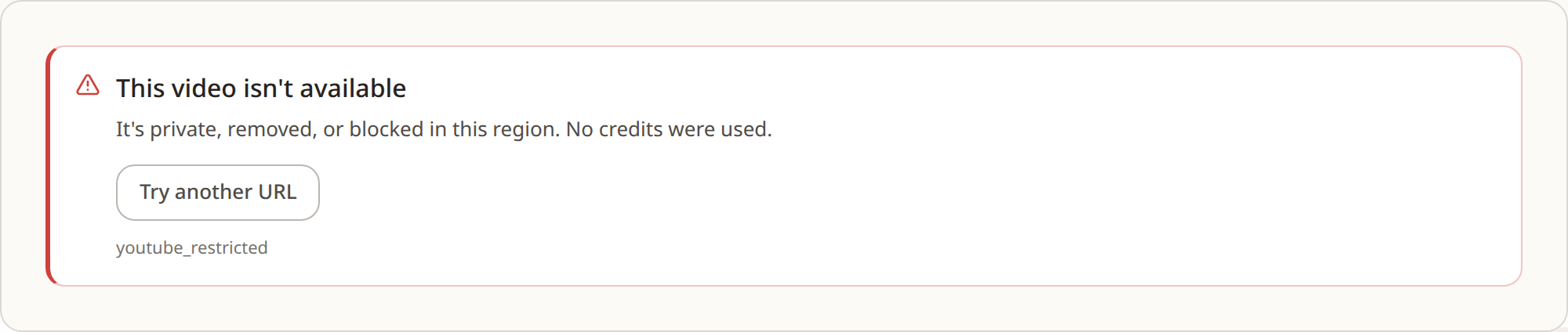
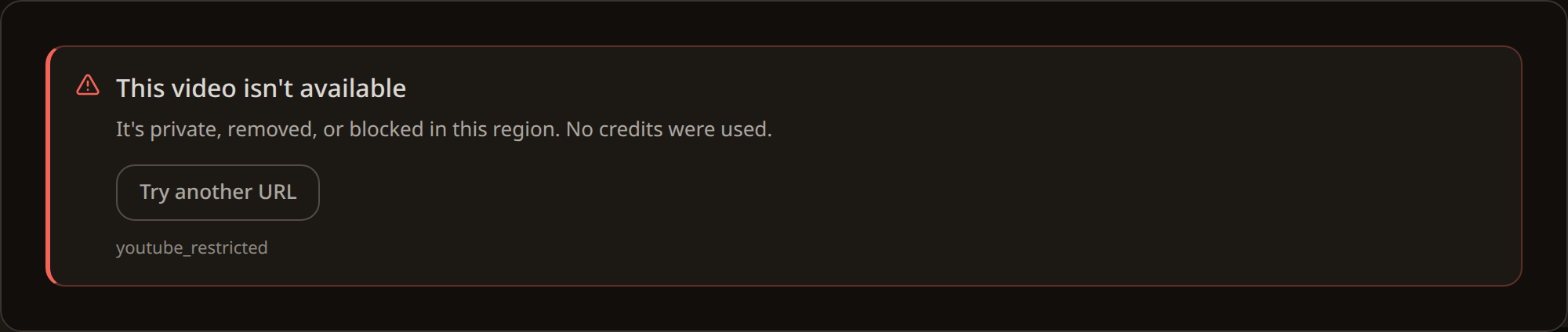
Some videos can't be read, and INDXR tells you which case you hit rather than failing silently.
- Members-only — locked behind a channel membership; INDXR can't access it.
- Age-restricted — needs a signed-in YouTube account to watch; AI transcription can't work around this either.
- Removed, private, or geo-blocked — the video is unavailable. If you have the file, an upload is the way in.
What you get without an account
You can extract a captioned video and download it as plain text (TXT) without signing in. The other formats — Markdown, CSV, SRT, VTT, JSON — and AI transcription need a free account.
Requires an account
A free account also adds 50 welcome credits for testing AI transcription and a personal library that saves every transcript.Sources
- INDXR (own code) — caption extraction, anonymous access, members-only handlingVerified against apps/marketing/src/app/api/extract/route.ts (route.ts:20-21, 96-100); backend/main.py:296-297
- INDXR (own code) — AI-transcription toggle (signed-in only), 1 credit/min, restricted-video messagesVerified against packages/shared/src/components/free-tool/VideoTab.tsx (VideoTab.tsx:1016,1059,212-218,614-615)
- INDXR (own code) — channel-URL rejection, plain-text-only for anonymousVerified against packages/shared/src/utils/youtube.ts (youtube.ts:22,36); packages/shared/src/components/TranscriptCard.tsx (TranscriptCard.tsx:122-133,418)