


Get your first transcript
INDXR takes a YouTube link, a playlist, or an audio or video file you upload, and gives you back a transcript you can export — as plain text, Markdown, subtitles, or structured data. There are two ways to make it. YouTube captions copies the subtitle track a video already has: free, instant, and only for YouTube videos and playlists. AI transcription listens to the audio and writes it out with punctuation and full sentences: 1 credit per minute, and it works on anything, including uploads.
Use AI when the wording matters — anything you publish, quote, edit, or feed to a model. Captions are free and good enough for the rest.
How to get a transcript of a YouTube video
In short: paste the video's link into Transcribe and pick a method. YouTube captions give you the script of the video for free in seconds; AI transcription reads the audio when you want punctuation or when the video has no captions. Either way you get text you can read, copy, search, download or export. The steps below walk through it.
1. Open Transcribe
Open Transcribe in the app sidebar. It has three tabs — Video, Playlist, and Upload — and Video is selected. New accounts get 50 credits, enough for a 50-minute AI transcription; YouTube captions cost nothing either way.
You can also extract captions without an account on the free tool at indxr.ai/transcribe, but that route gives you plain text only and saves nothing to a library.
2. Paste a link and pick a method
Paste a public YouTube link into the field, then pick how the transcript is made. Under Transcription method, YouTube captions is selected by default and marked Free; AI transcription shows its rate (1 credit per minute) and how many credits you have.


3. Captions come back right away
With YouTube captions selected, click Extract and the transcript appears — there is nothing to approve and no credits are spent.
If YouTube refuses the request, you get a card with Try again (each retry goes out over a different connection) and the option to switch to AI transcription; no credits are charged. The single-video guide covers the rest — no captions, private videos, the wrong language.
4. AI transcription shows the cost first
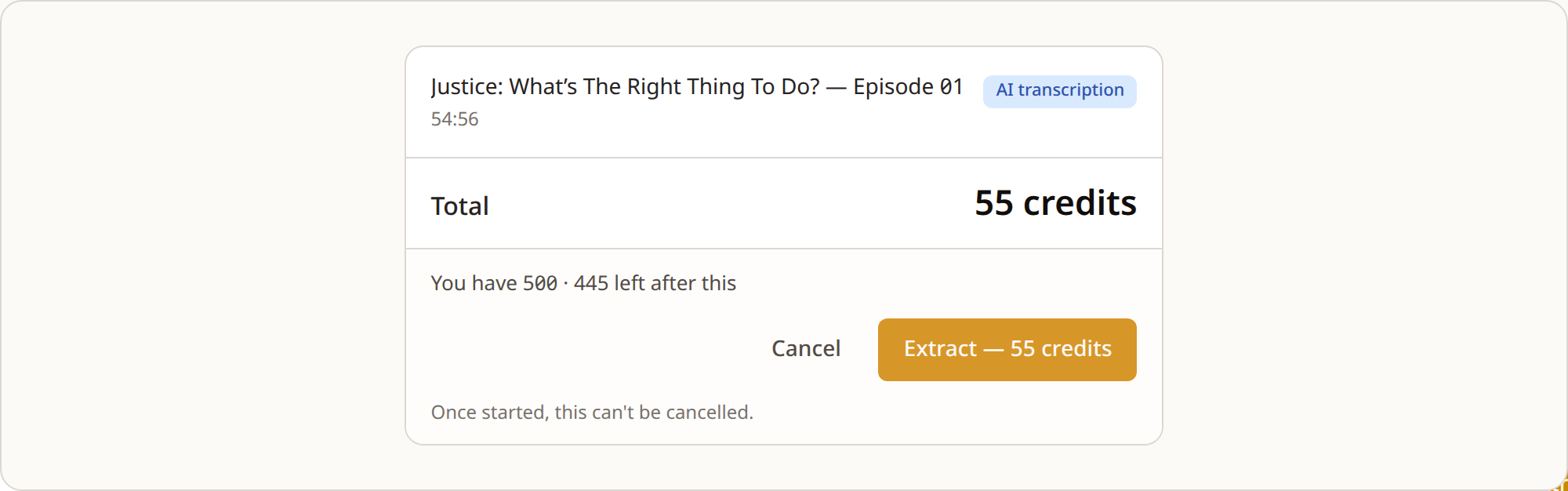
Select AI transcription and click Extract, and a card shows the cost before anything is charged: the title, the length, the total, and what you hold and what is left afterwards. The rate is 1 credit per minute of audio, rounded up — the card below is one 55-minute lecture, so 55 credits.
Cancel and you have spent nothing. Once it starts it can't be cancelled, but if the job fails the credits come back.
5. It runs in the background
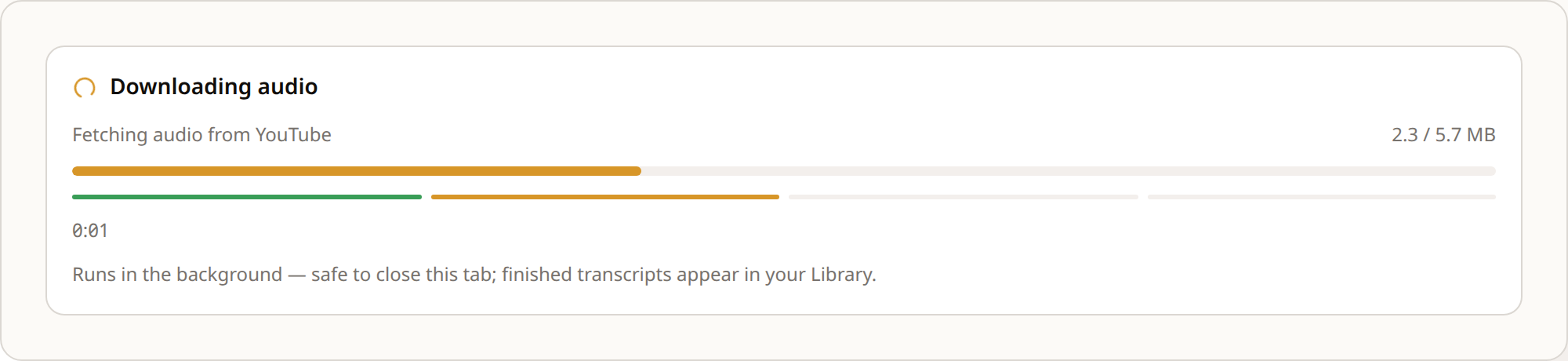
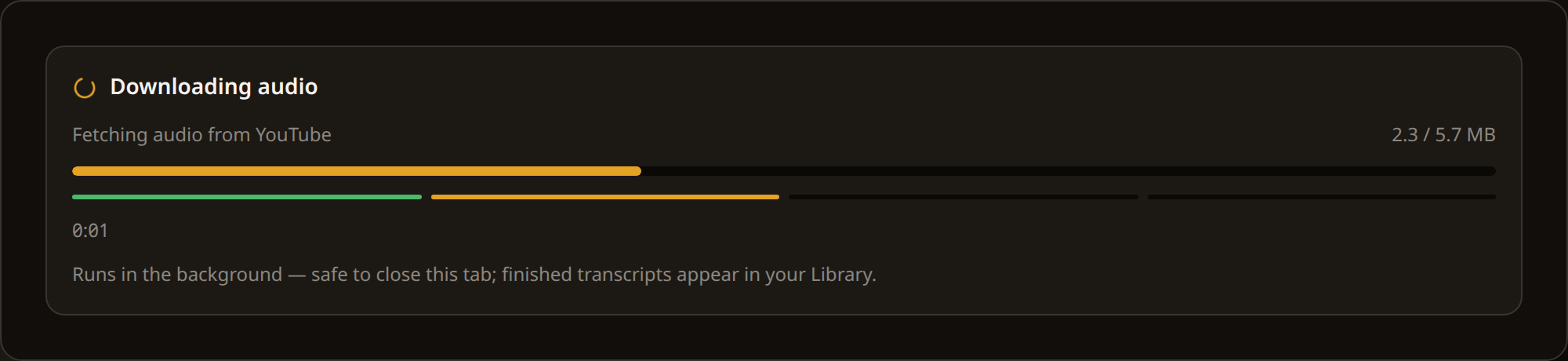
AI transcription runs in the background — you can close the tab and the finished transcript lands in your Library regardless. The card shows each stage as it goes.
6. Read it and export it
The result card shows the length and the line count — and for AI transcription, the credits it cost and how long it took. Each line carries a timestamp; the Reader Mode switch hides them so you can read straight through. If you took the free captions and they read poorly, a Re-extract with AI line sits below the transcript with the exact cost for that video.
Copy gives you the full text; Export gives you a file. The menu groups the formats as Text (TXT and Markdown, each with or without timestamps), Subtitles (SRT and VTT), Data (CSV and JSON), and Developer (RAG JSON) — seven formats, nine downloads. Everything is free except RAG JSON, at 1 credit per 10 minutes of transcript, and re-downloading something you already exported is always free. What each file contains is on Export formats.
Scroll the table horizontally →
7. It stays in your library
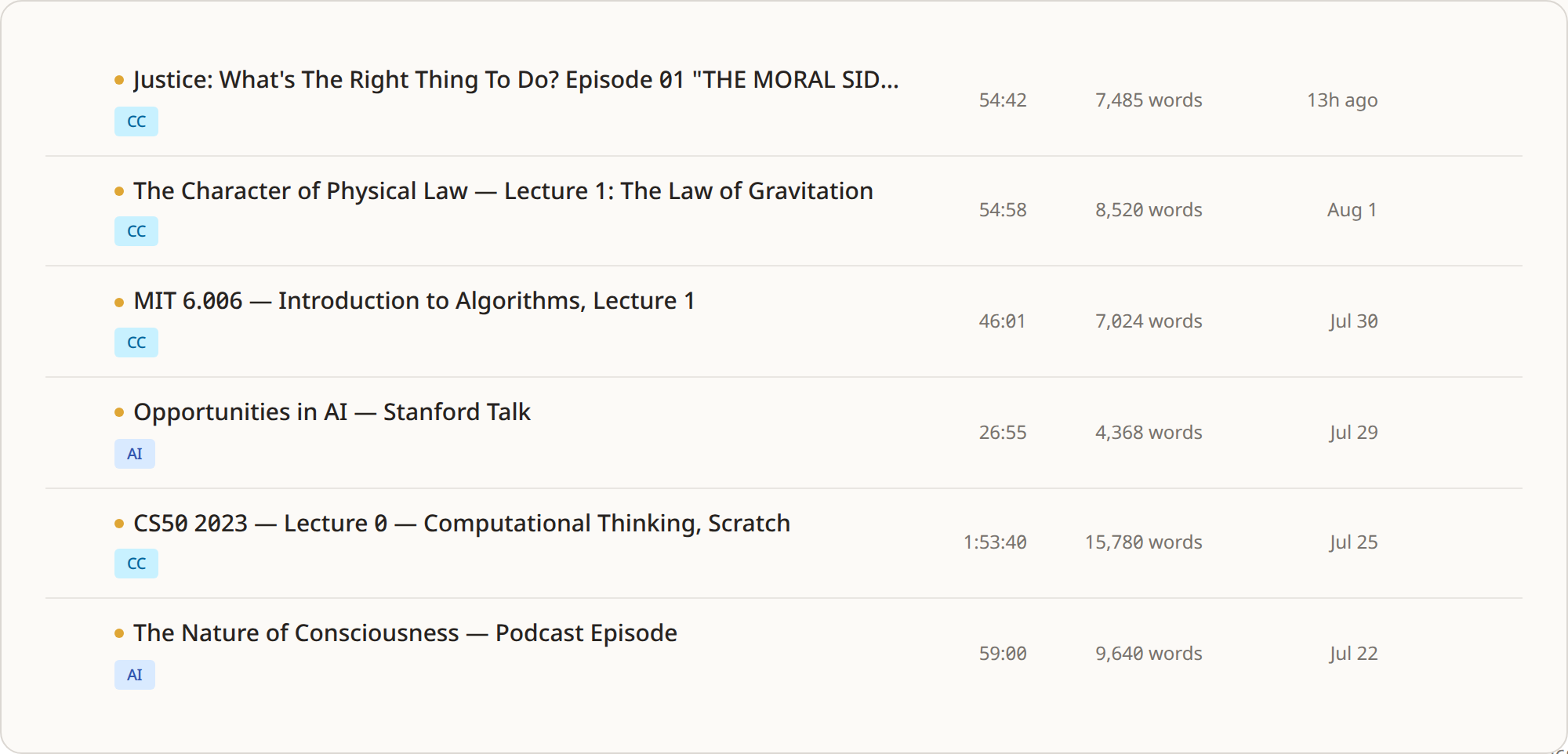
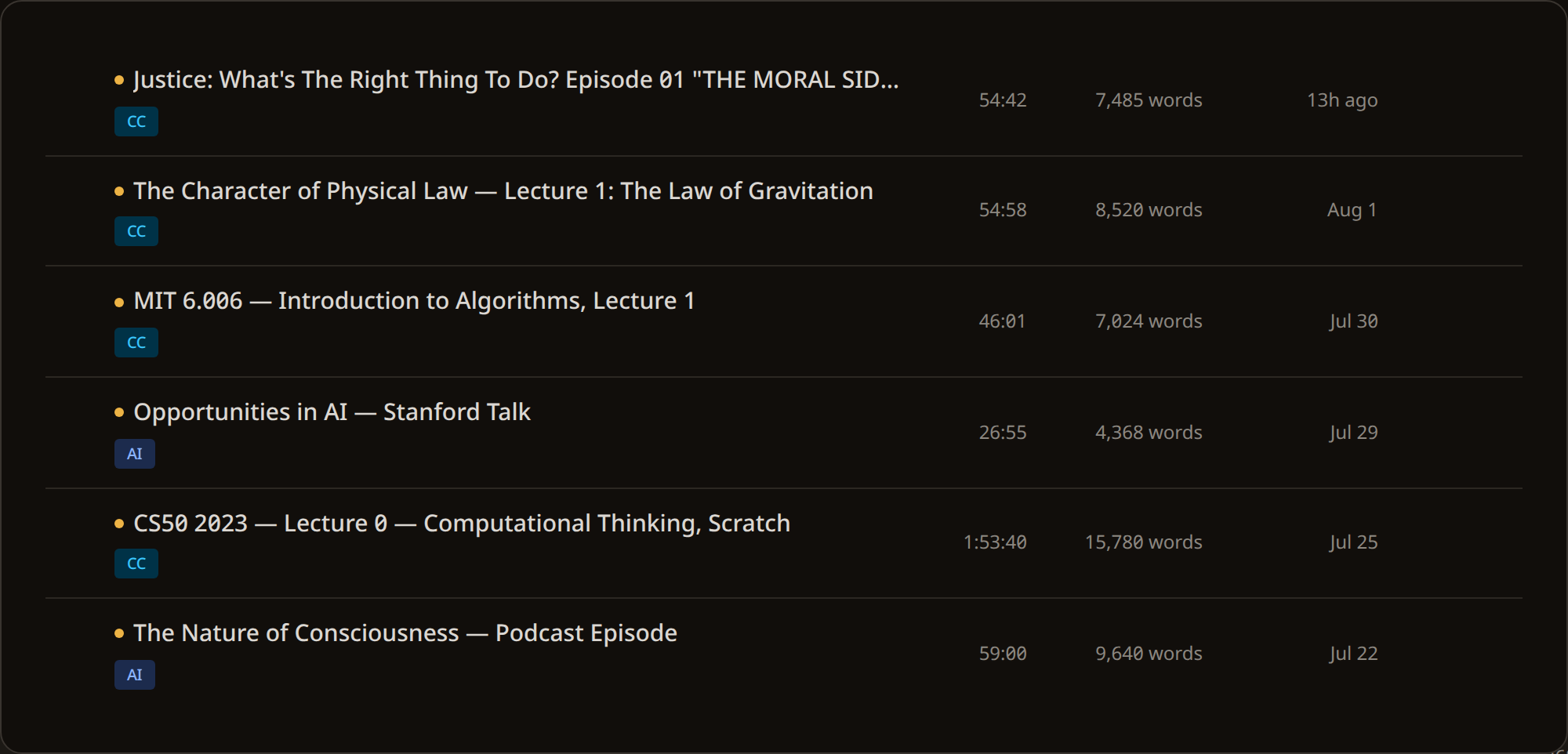
Every transcript is saved to your Library — a searchable archive of everything you have made. Search by title, filter by how it was made, and open any one again to re-read, re-export in another format, or edit. Nothing is one-shot: a transcript you made last month is one search away.
When you edit, INDXR keeps the original alongside your edited version, so you never lose what came out of the video. Fixing it early is worth the minute: correct a misheard name once, and every export you make afterwards carries the correction — the subtitles, the Markdown, the RAG chunks.
Next
- Single videothe same flow with everything that can go wrong: no captions, private video, wrong language
- Playlistsa per-video choice across a whole playlist, running in the background after you close the tab
- Uploadsno caption track to fall back on, so uploaded files are always transcribed at 1 credit per minute