



How INDXR works
INDXR gets text out of a video in one of two ways: it copies the caption track the video already carries, or it sends the audio to a speech recognition model and writes the transcript from scratch. Which of the two you use decides the quality of everything you export afterwards.
Everything else in INDXR — playlists, uploads, the library, the export formats — is built on that one distinction.
The caption track a video already has
Nearly every YouTube video with speech carries a caption track: the text you see when you turn subtitles on. Most tracks are produced by YouTube's own speech recognition. A smaller number are written or corrected by the creator, because doing it by hand takes hours.
INDXR reads that track directly and keeps its original timings, at no cost, on a video of any length. It anchors on the original-language track, so you get what was said rather than a translation.
Automatic tracks are speech recognition, so they get words wrong — names, brands, technical terms — and they get more of them wrong when the audio is poor, when speakers talk over each other, when an accent is strong, or when the language isn't English. Creator-corrected tracks read cleanly. You cannot tell which kind a video carries before you extract it, and INDXR does not check in advance.
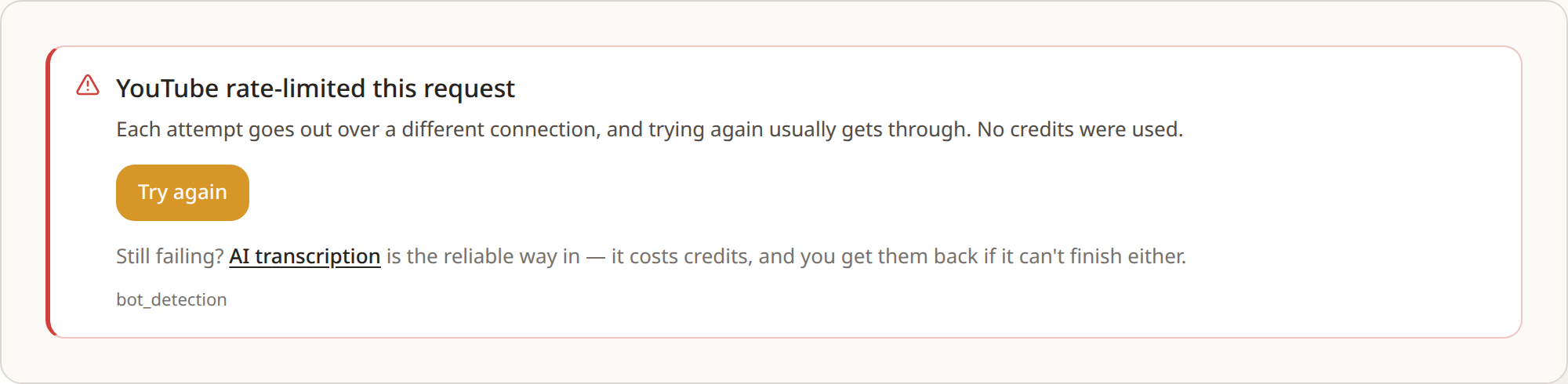
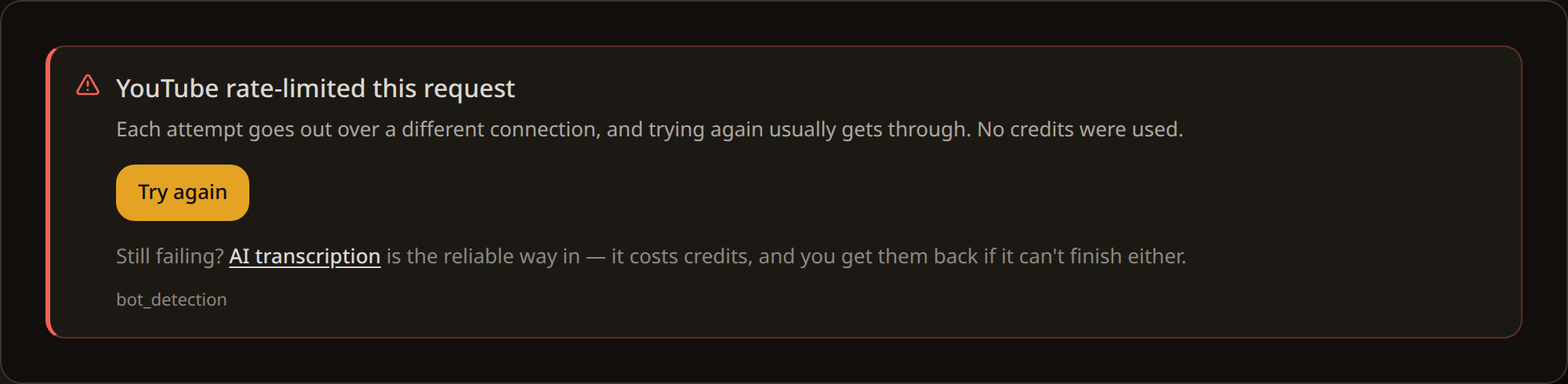
Occasionally YouTube refuses the request outright and asks us to prove we're not a bot. It lands on a small share of caption requests — on the order of five percent — and it is about YouTube throttling us, not about your video. No credits are charged. Trying again sends the request over a different connection, which usually gets through; if it keeps failing, AI transcription reads the audio instead and is the reliable way in.
Transcribing the audio instead
AI transcription ignores the caption track and reads the audio itself, writing the transcript from scratch. It returns punctuation, capitalisation and complete sentences, and it handles the names, jargon and accented speech that automatic captions tend to mangle. It works on any video, including one that already has captions.
INDXR runs transcription on AssemblyAI and selects the model that covers the detected language natively. The figures per language are published on Accuracy and languages.
Transcription is the closest INDXR gets to what was actually said. It costs credits where caption extraction does not; the rates are on Credits.


What happens between the video and the transcript
The path is the same whichever way you start. INDXR takes a single video URL, a playlist URL, or an audio or video file you upload. It fetches what it needs — the caption track, or the audio — produces the transcript, and stores it in your library.
Nothing is checked before a job starts. In a playlist, videos that turn out to have no captions, or that cannot be reached at all, are skipped while the job runs, and the credits held for them are returned. An uploaded file has no caption track to fall back on, so uploads are always transcribed.
Audio is deleted as soon as the job ends, whether it succeeds or fails; INDXR keeps no recording of it. If a video has been transcribed before, INDXR serves the stored transcript instead of fetching and processing it again — the same text, sooner.
Why the choice sticks
Whichever route you take becomes the ceiling for every export that follows. Subtitles inherit the caption track's line breaks. Markdown notes inherit the missing punctuation. Chunks for a vector database split on sentence boundaries that were never marked. No export step puts back a word that was never heard correctly.
There is one place to raise that ceiling after the fact, and that is the transcript itself. INDXR stores every transcript so you can edit it, and keeps the original alongside your edited version. Correct a misheard name once and every export you make afterwards carries the correction.
The rule follows from that. When the text is going somewhere — something you publish, quote, edit, or hand to an AI — transcribe the audio. When you only need to know what was said, the free caption track is enough.
Where the transcript goes from there
Every transcript INDXR produces lands in your library, stays editable, and can be exported as often as you like into any of the seven formats, from plain text to subtitles to a JSON file prepared for a vector database. Only the last of those costs credits.
A transcript can also be summarised, and the summary is stored and edited the same way.
See also
- Accuracy and languageswhich model runs for your language and the published figures
- Export formatswhat each of the seven files actually contains
- Creditswhat costs credits, how reservations work, and when they come back