




YouTube video summarizer: turn a long video into chapter notes
You want a summary of a video. Maybe a lecture you need to revise from, an interview you want the substance of, a course you are working through, or something you came across and do not have an hour for. INDXR reads the whole transcript, splits it into chapters at the points where the subject changes, and writes worked-out notes under each one, with a timestamp that jumps the player to that moment. It costs 1 credit per 10 minutes of video (rounded up, minimum 1), and a free account includes 50 credits.
What a YouTube video summary looks like
What you get back is not a paragraph but a set of notes. At the top is an overview of a few paragraphs that covers the whole video. Below it are the chapters, each with a heading, a timestamp and the content written out: the arguments, the examples, the figures and the names that came up in that part, rather than a summary of them. More content produces more chapters, and more chapters produce a longer whole, so a long video really does give you a long set of notes. That makes it suited to material you have to do something with, and less to the case where you only want to know what something is about.
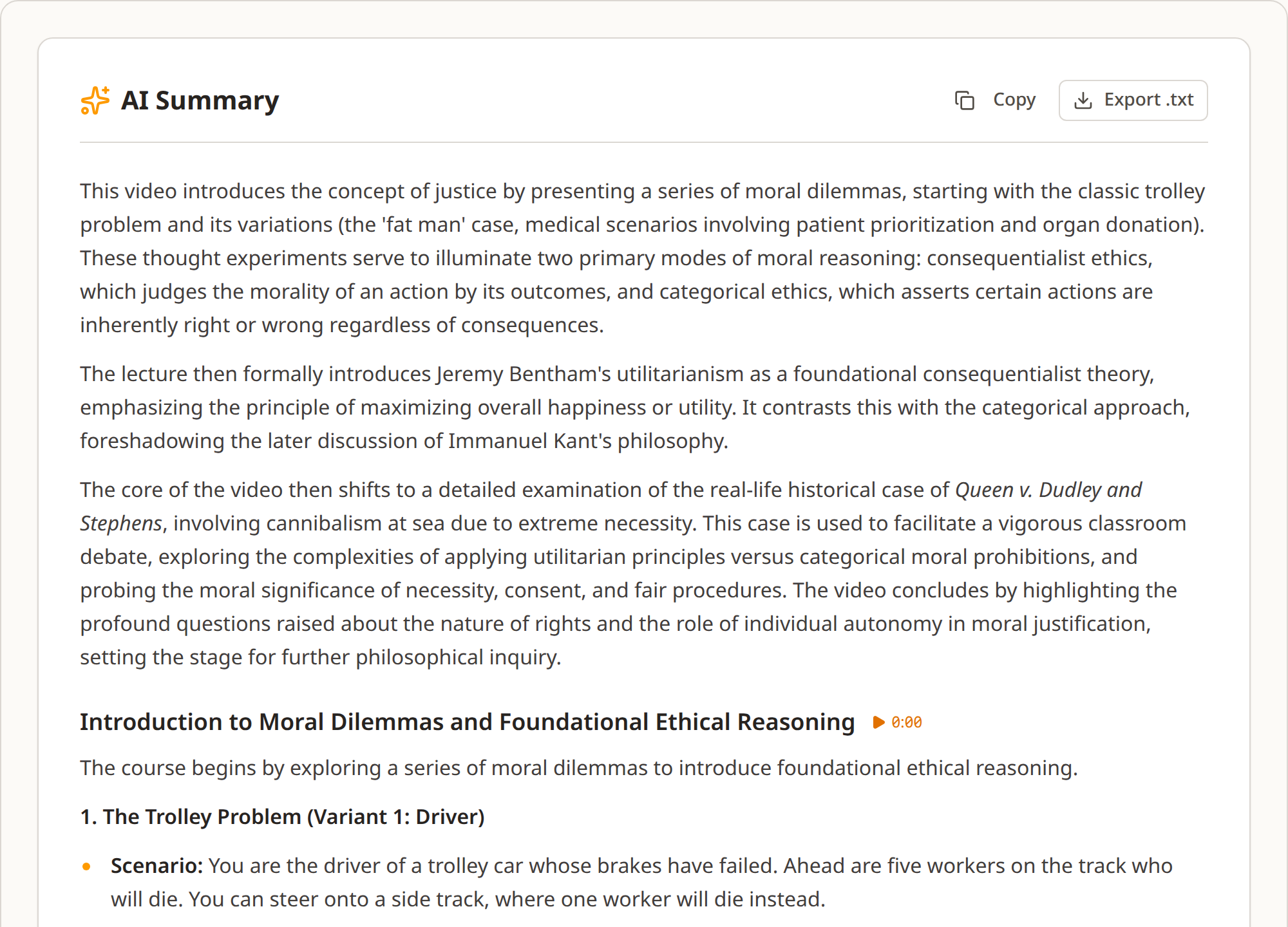
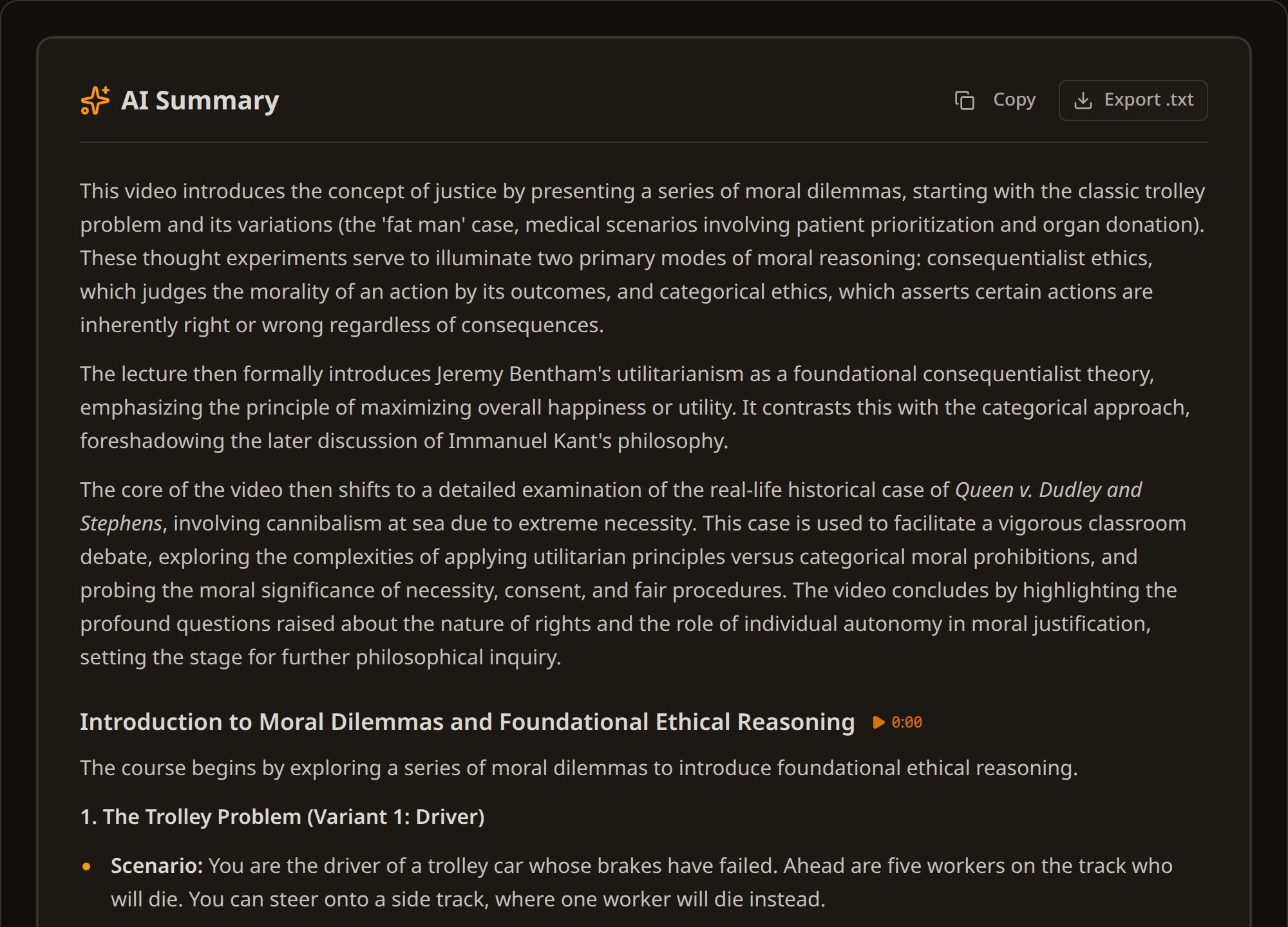
A real example
Take a 55-minute lecture on justice, with almost seven thousand words of transcript. The summary came back as a three-paragraph overview plus two chapters, a little over seventeen hundred words together: roughly one word for every four spoken. Two chapters and not ten, because the lecture really is in two parts, and that division comes from the material rather than from the clock. The first chapter covers the trolley problem and its variants. The second begins at 24:40 with Bentham's utilitarianism and the case of Dudley and Stephens. It took about 35 seconds and cost 6 credits.
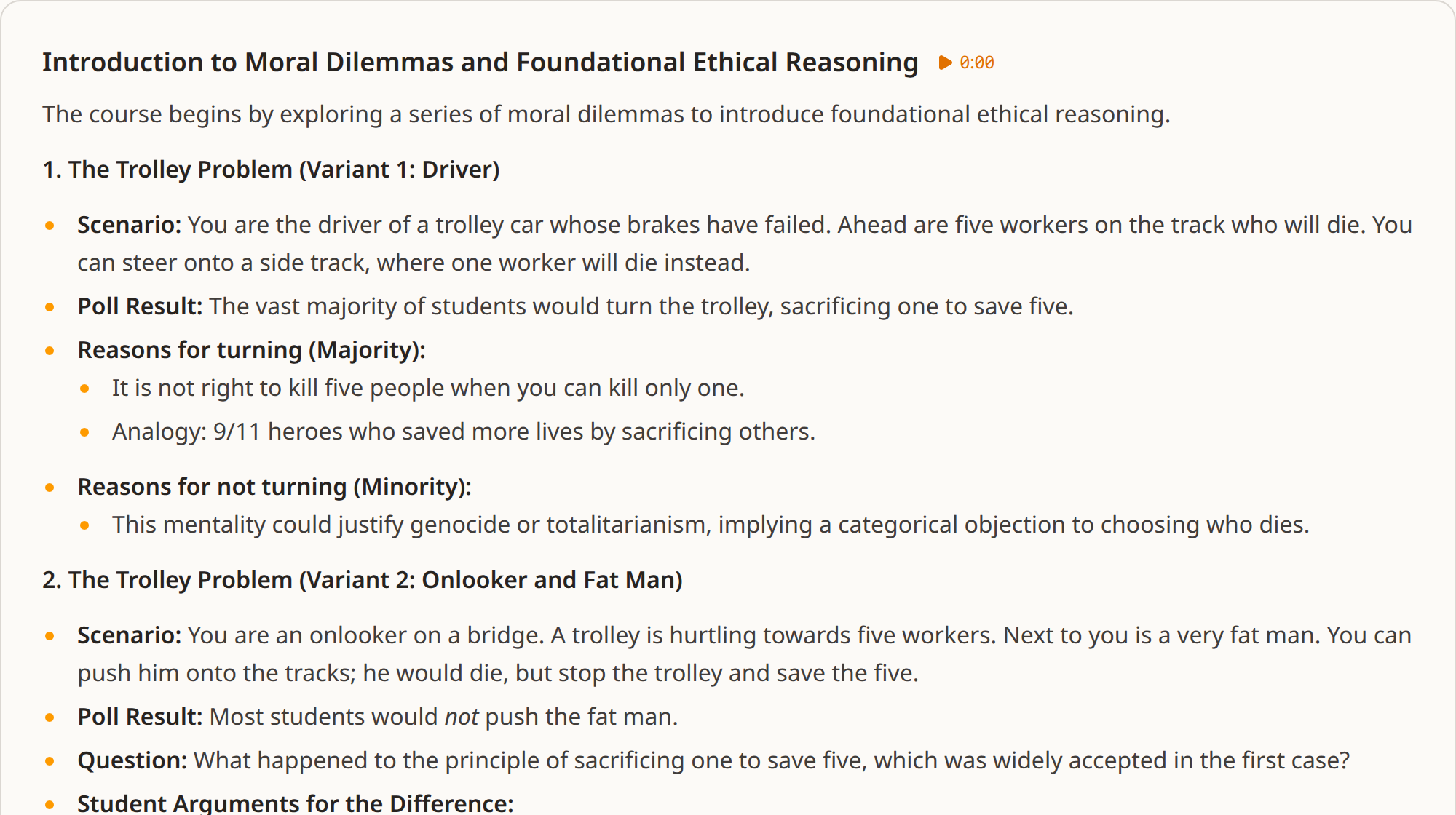
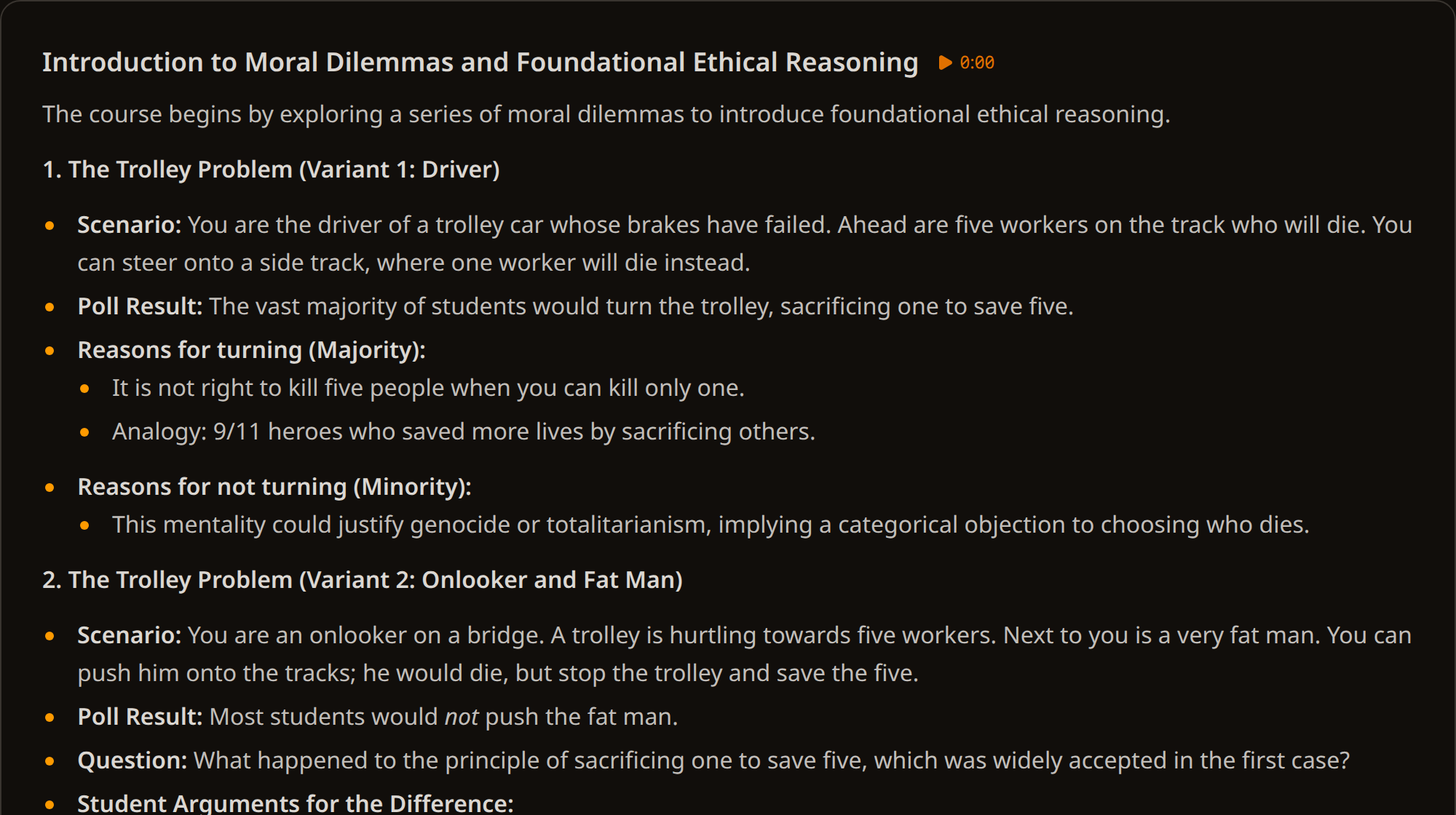
Timestamps you can check
A summary you cannot check is a summary you have to trust. Every chapter carries the moment it starts, and clicking it takes the player there. That changes what the summary is for: it does not replace the video, it gives you a way into it. Read the chapter list, find the part that matters, jump to it, and watch three minutes instead of two hours.
What it costs
A summary costs 1 credit for every 10 minutes of video, rounded up (minimum 1) — the same simple rate whatever the length.
| Video length | Credits |
|---|---|
| Up to 10 minutes | 1 credit |
| 30 minutes | 3 credits |
| 1 hour | 6 credits |
| 2 hours | 12 credits |
| 4 hours | 24 credits |
The price scales because the work scales: a longer video means more chapters and more text to write. A flat price would mean short videos paying for the long ones. Even so, a summary is far cheaper than a transcript — about 10× less (6 credits to summarise an hour against 60 to transcribe it). There is no subscription, and credits never expire.
How to summarize a YouTube video
Transcribe the video first, with YouTube's own captions, which are free, or with AI transcription at 1 credit per minute if it has no captions. Open the transcript in your library, go to the Summary tab, and generate it. It runs in the background, so you can close the tab, and an hour-long video is usually ready within a minute. The summary works on any transcript in your library, whatever its source: YouTube captions, AI transcription, or a file you uploaded yourself.
What it does not do
The summary works from the transcript, so it knows nothing about what happens on screen. Slides, diagrams and demonstrations only reach it through what was said about them, not through what was shown.
And you do not edit the summary in place. It is read-only: to change it you regenerate it, which replaces the current one with a fresh version, or you copy it out and edit that copy wherever you keep your notes. The transcript underneath is editable, and editing it marks the summary as out of date so you can regenerate it, but the summary text itself is not something you rewrite in the library.
Try it
A free account includes 50 credits, which covers pulling captions from a video and summarising it several times over. No subscription and no card.