


Audio to text: transcribe any audio file
You have an audio file or recording and you want the words in it. INDXR lets you upload the file and gives you the full text back: punctuated, so it reads as sentences instead of one long block; split by speaker, so you can tell who said what; and timestamped, so you can jump back to the moment something was said. It costs one credit per minute of audio, and a free account includes 50 credits, enough for 50 minutes, so you can transcribe a real recording before spending anything.
How it works
You upload the file. A free account is needed and takes a moment, no card required, with the 50 credits included. Audio and video files both work, up to 500MB and up to ten hours, and for a video the audio track is taken out for you. You do not pick a language, because the model detects it from the audio.
It transcribes while you wait. An hour of audio is usually ready within a few minutes, and two hours within about a quarter of an hour; a long recording or a busy moment can stretch that. It runs on the server, so closing the tab or losing your connection does not cost you the job. Everything is processed on European infrastructure, and the uploaded file is deleted once transcription finishes.
You read, edit and export. The transcript opens in your library, where you can correct it, search it, summarise it and export it in seven formats.
What the transcript looks like
Two things determine whether a transcript is usable: how many words are correct, and how the text is structured. Both matter, and most tools only address the first. Word accuracy is covered in the next section; the structure works as follows.
Transcripts come back punctuated, with sentence boundaries the model determined rather than one continuous block of lowercase text. Speakers are detected and labelled, and you can rename them: change Speaker A to the interviewer's name once and every occurrence updates, in the transcript and in every export, with the original label always recoverable. Text is grouped into paragraphs for reading, each with a timestamp marking where that passage begins. Exports that include timestamps go down to the individual segment, a few seconds at a time.
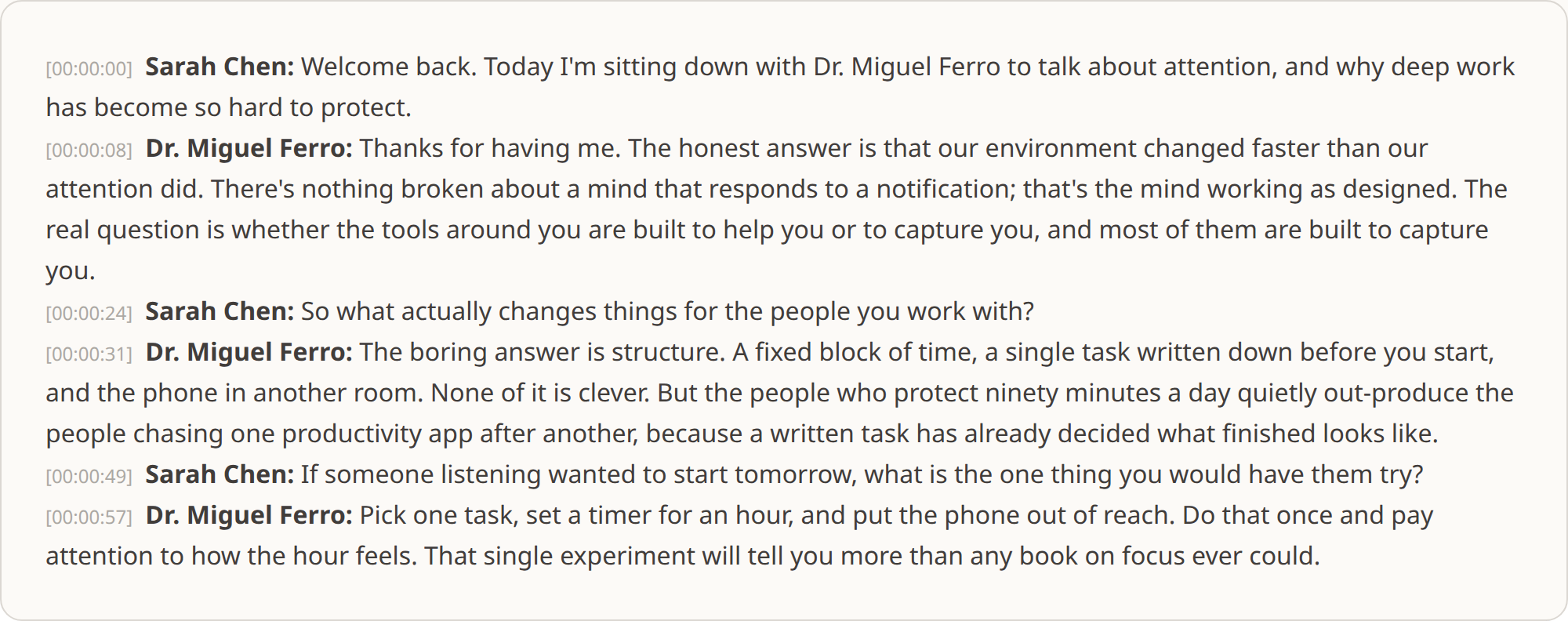
What you notice first is that it reads. Sentences with punctuation, grouped into paragraphs, are something you can skim and quote straight away, rather than a wall of lowercase you have to repair before it is any use, which spares you the cleaning up that other tools leave you to do. The same structure quietly pays off later: it lets a subtitle export break lines where a sentence ends instead of mid-clause, lets a chunked export for a vector database cut on complete thoughts, and lets the speaker labels make an interview quotable without listening back to work out who said what.
How accurate it is
English transcription accuracy here is close to the current technical ceiling. AssemblyAI places English in its highest accuracy band, below ten per cent word error rate, and on independent benchmarks Universal-3.5 Pro posts an English word error rate in the low single digits. The top of that field has converged: on clean audio the best few models are within a percentage point or two of one another.
Accuracy falls where you would expect: strong accents, overlapping speakers, background noise, technical vocabulary, unfamiliar names. It handles these better than the automatic captions produced by video platforms, but no engine handles them perfectly, and on difficult audio expect to correct a few names.
For languages other than English, AssemblyAI publishes a per-language accuracy table worth checking before committing to a long recording. We would rather point you there than quote a figure for a language we have not measured.
What you can upload
Audio or video, in fifteen formats. A video file is transcribed exactly like an audio one: the audio track is taken from it for you, so an MP4 or a MOV is as welcome here as an MP3.
| Audio formats | MP3, MPGA, M4A, AAC, WAV, OGG, OPUS, FLAC |
| Video formats | MP4, MPEG, WEBM, MOV, FLV, AVI, MKV |
| Maximum file size | 500MB |
| Maximum length | 10 hours per file |
| Languages | 99, detected automatically |
The 500MB limit is worth noting against free browser tools, which commonly stop at 50 or 100MB. A single uncompressed hour of audio exceeds that on its own.
For what each of these formats is and where it comes from, see Supported formats.
Common questions about uploading
Which audio and video formats can I upload?
MP3, MP4, MPEG, MPGA, M4A, AAC, WAV, WEBM, OGG, OPUS, FLAC, MOV, FLV, AVI, and MKV, up to 500 MB per file. You do not need to convert anything first — upload the file as it came off your phone, recorder or meeting tool.
Can I transcribe a voice memo from my iPhone?
Yes. iPhone voice memos are M4A files, which upload directly. A recording of an hour or more is fine; the limits are the same as for any file, up to 500 MB and up to ten hours.
Can I transcribe a WhatsApp voice message?
Yes. WhatsApp exports voice messages as OPUS files, which are supported. Export the message from the chat and upload the file as it is.
What happens if my file has no speech in parts of it?
Silence and background noise are skipped in the transcript. You are charged per minute of audio, rounded up to the nearest minute, so a recording with long pauses costs the same as one without.
Do I need an account to upload a file?
Yes, uploads require an account, because transcription runs on credits. New accounts start with a credit balance so you can transcribe a full recording before deciding whether to buy more.
What you can do with the transcript
Because the transcript is stored rather than downloaded once, you can come back to the same recording and get something different out of it later.
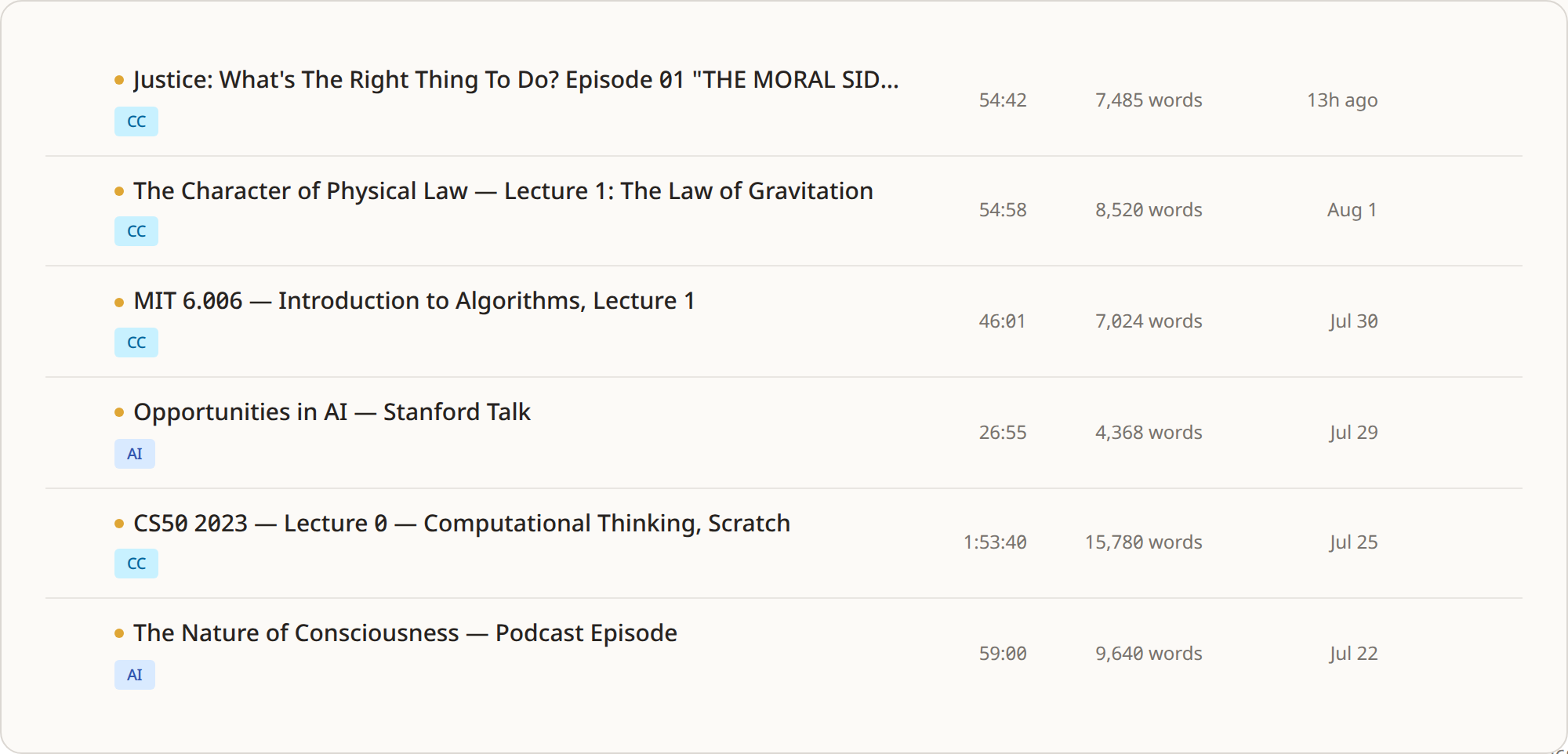
Take a two-hour interview transcribed in March. That month you export plain text and write your piece. In June a quote is questioned, so you search the transcript for the phrase, jump to the timestamp and check what was actually said. In September you want a clip subtitled, so you export SRT and the lines come back rebuilt to a maximum of 42 characters across at most two lines, with cues breaking on sentence boundaries where they can and on word boundaries otherwise, never mid-word. Nothing was re-uploaded and none of it cost extra.
You can correct the text without losing the original, because edits are stored separately and the untouched version stays one click away.
You can have the recording summarised. The summary reads the whole thing, splits it into chapters where the subject changes, and writes worked-out notes under each one, with a timestamp per chapter that jumps the player to that moment. A four-hour recording produces a four-hour summary rather than the three paragraphs a fifteen-minute one would give you, so a long lecture becomes an outline you can revise from and a long interview becomes something you can navigate.
You can export in seven formats, and everything is free except the RAG export, which chunks the transcript with metadata for LangChain, LlamaIndex, Pinecone and similar tools.
Scroll the table horizontally →
What it costs
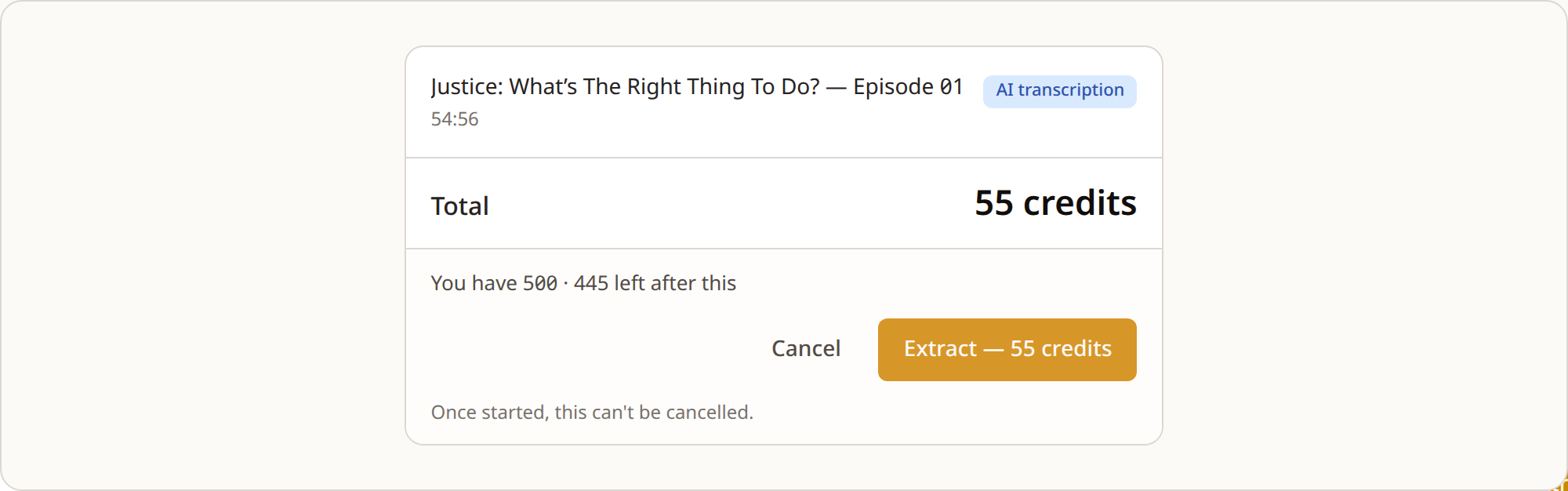
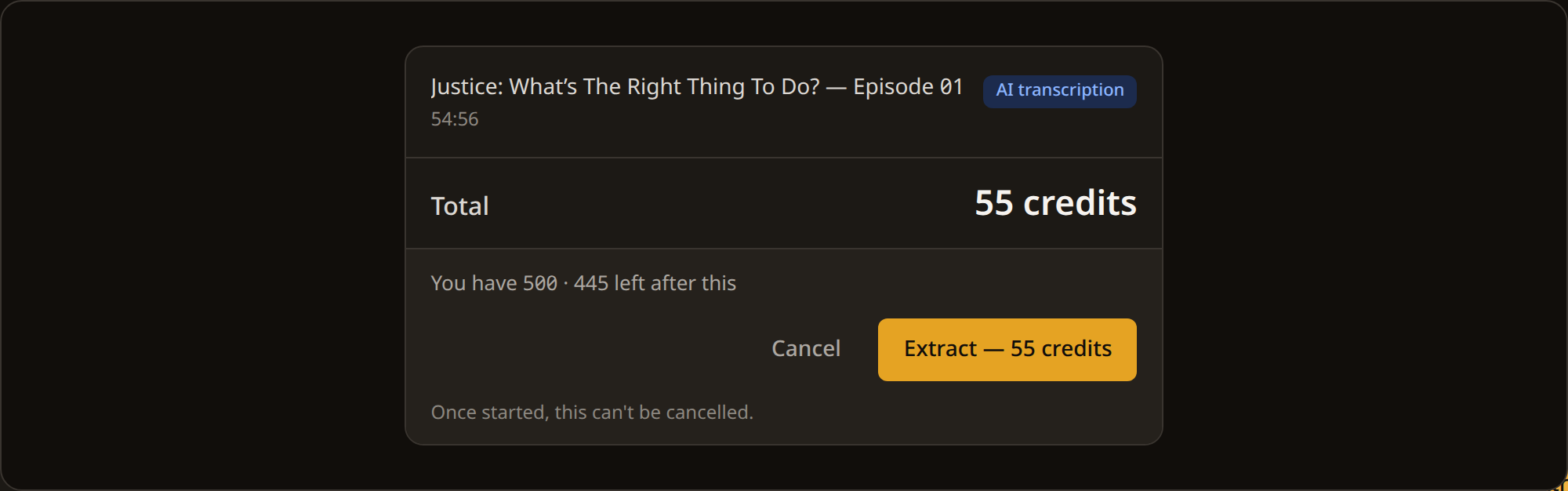
One credit per minute of audio, rounded up, based on the duration detected after upload rather than the file size. Prices below are on the Plus package, which is €25 for 1,000 credits.
| Audio length | Credits | Cost at Plus pricing |
|---|---|---|
| Under 1 minute | 1 credit | €0.03 |
| 10 minutes | 10 credits | €0.25 |
| 30 minutes | 30 credits | €0.75 |
| 1 hour | 60 credits | €1.50 |
| 2 hours | 120 credits | €3.00 |
There is no subscription, and credits never expire. If you have one recording this year, you pay for one recording this year; credits bought in April are still there in October, and no charge arrives in a month you did not use the site.
Most transcription services sell a monthly plan instead. One 2024 survey found that six in ten people had avoided subscribing to a service because they expected cancelling to be difficult. Here there is nothing to cancel, because nothing recurs. If you are weighing this against a subscription tool, we set the two out side by side in INDXR vs Otter.ai.
Why not use a free converter
Free converters are everywhere, and for some jobs they are the right choice: one short recording, wording that does not have to be exact, nothing you will need again. Use one and think no further about it. What you trade, when the result does matter, is quality and headroom. A free service has to keep its own costs down, which generally means a lighter transcription model and tighter limits on length and file size. That is a fair deal when the words are throwaway, and an expensive one in your own time the moment you have to clean up the result or cut a file down to fit.
So it is worth saying what runs here. Your file is transcribed by AssemblyAI Universal-3.5 Pro, processed inside the EU, never used to train an AI model, and kept by the transcription provider for one day at most, its shortest setting. We would rather tell you that than leave you to guess.
Where they fall short is clearest side by side.
Scroll the table horizontally →
Try it on your own recording
The only reliable way to judge a transcription service is to run something through it that you care about. A free account includes 50 credits, covering 50 minutes of audio, with no subscription and no card. If the result is not good enough, you have lost nothing. If it is, the credits you buy afterwards do not expire.