



YouTube transcript not available? Why it happens, and how to get the text anyway
A YouTube transcript is missing for one of two reasons: either the transcript exists and YouTube isn't showing it to you, or the video has no captions for anything to show. Which fix applies depends entirely on which of those you're in, and you can tell them apart in about ten seconds.
If you're on the YouTube page and the "Show transcript" option is missing or greyed out on a video where people are clearly talking, it's almost always an interface problem, and the text is probably already there. If a transcript tool or browser extension handed you "no transcript available," take it literally: the video has no caption track, and no amount of refreshing will change that. The second case is the one this page mostly solves, and it's further down.
How to get a transcript of a YouTube video
The direct answer, before the troubleshooting below: paste the video's link into a tool that reads its captions, and you get the transcript back as text you can read, copy, search or download. INDXR does this in the browser, with no extension, and no account when the video already has captions. If the video has no captions, you transcribe its audio instead and still get the script of the video as clean, readable text. The rest of this page is for when that transcript is missing or hidden.
Fixes that cost nothing
If the transcript exists but you can't see it, one of these usually explains why. None needs a paid tool, and most take under a minute.
You're looking in the wrong place
The YouTube mobile app often doesn't show a transcript at all, even when one exists. The mobile browser does. If you're on a phone, open the video in your browser instead of the app, tap the title, and look for "Show transcript" under the description.
A browser extension is hiding the panel
Ad blockers and privacy extensions frequently stop the transcript panel from rendering, so the caption data is there but the button never appears. Open the same video in an incognito window, where extensions are off by default. If the transcript shows up there, an extension on your normal profile is the cause, so disable them one by one to find it.
The video is too new
YouTube generates automatic captions after a video goes live, not at the moment of upload. For most videos that's a few minutes; for long or complex audio it can take up to a day, and YouTube Help notes that captions can simply be unavailable while complex audio is still processing. So for the first day after upload, a missing transcript is the expected state, not a fault. Check back later before assuming anything is wrong.
It's a live stream or a fresh replay
Live automatic captions only work in English, so a non-English stream has none while it's running. And once any stream ends, the live captions are dropped and YouTube processes a new caption track for the replay, which can take hours. That gap is why a stream you just watched often shows no transcript for a while afterward.
The transcript is there, just in another language
Sometimes the transcript exists, but not in the language you expected. YouTube builds automatic captions in the video's default language, so a video set to another language won't have an English track to show. If that's what you're hitting, getting the transcript in the original language is its own short topic.
When it's an access problem
Some videos have captions but sit behind a wall, and here the honest answer splits in two: for one kind, signing in fixes it; for the others, nothing does.
Age-restricted videos
Age restriction is about verifying your age, not paying for access, so signing in with an age-verified account usually does let you through (YouTube Help). If you can watch the video while signed in, you can get its transcript: download the audio while logged in, then upload the file to INDXR's Upload tab, which transcribes from the file directly without needing YouTube's login. INDXR detects age-restricted videos up front and shows a clear message rather than failing silently, and no credits are charged when it does.
Members-only and private videos
For members-only and private videos, nothing helps through the URL, and no tool changes that: you either have access to the content or you don't. If you're a member, or you own the video and can watch it, the same route works, download the audio while signed in and upload the file. If you can't watch it, there's no legitimate way to transcribe it, and any tool that claims otherwise is either overstating what it does or working around YouTube's authentication in ways its terms don't allow.
When there are no captions at all
This is the case most people who land here actually have: the video has no caption track, and none is coming. Refreshing, clearing the cache, and switching browsers won't help, because there's nothing on YouTube's servers to show. It happens far more often than YouTube's interface suggests, and two of the reasons come straight from YouTube's own documentation yet rarely get mentioned anywhere else.
The first is language. YouTube only generates automatic captions in a video's set default language, and its speech recognition covers a fixed list of 73 languages (YouTube Help; the full list is in YouTube's transcription glossary). If a creator sets the wrong default language, or the spoken language isn't on that list, YouTube produces no captions at all, no matter how clear the audio is.
The second is overlapping speech. YouTube states plainly that automatic captions won't be created when there are "multiple speakers whose speech overlaps or multiple languages at the same time." A lively panel discussion or a bilingual interview can come back with nothing, even though every word is perfectly audible.
When there genuinely are no captions, the way to get the text is to transcribe the audio directly, and that's what INDXR does. Paste the same URL, and instead of pulling captions that don't exist, it downloads the audio and runs it through AssemblyAI Universal-3.5 Pro, which detects the language automatically across up to 99 languages and returns clean sentences with punctuation and timestamps.


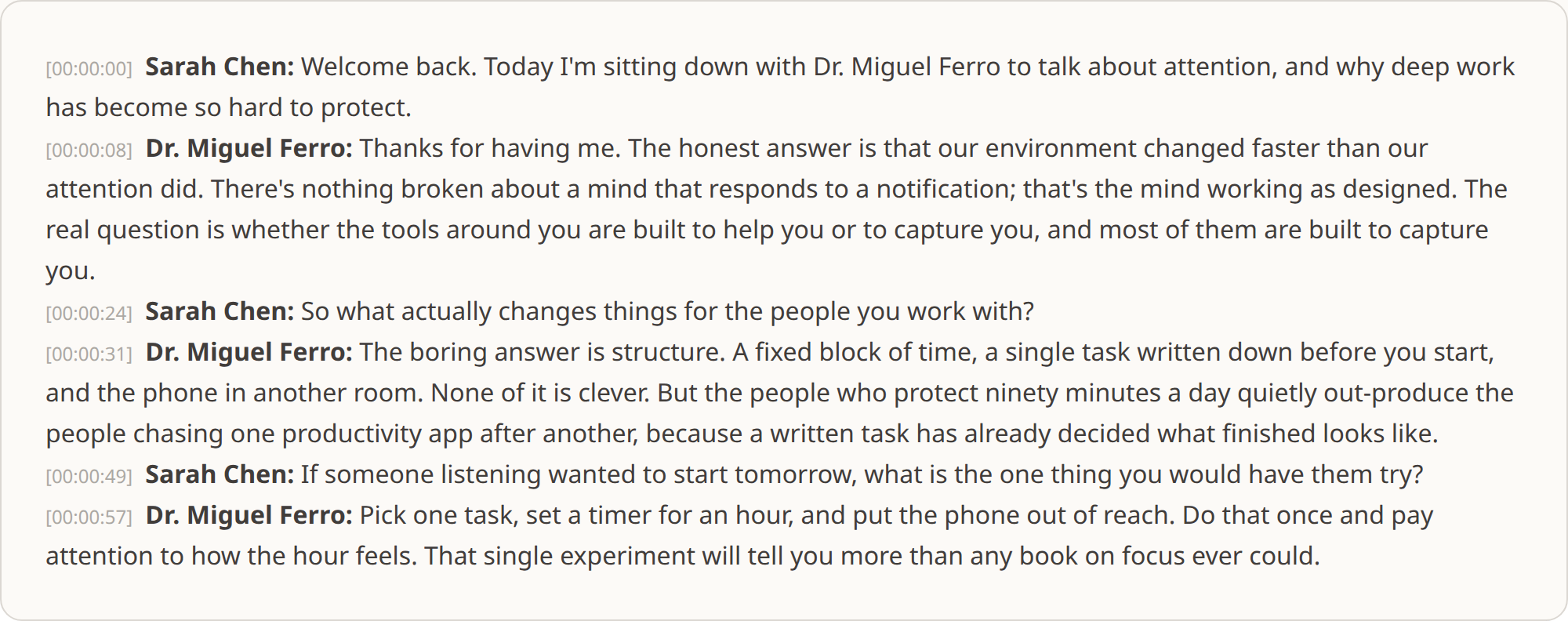
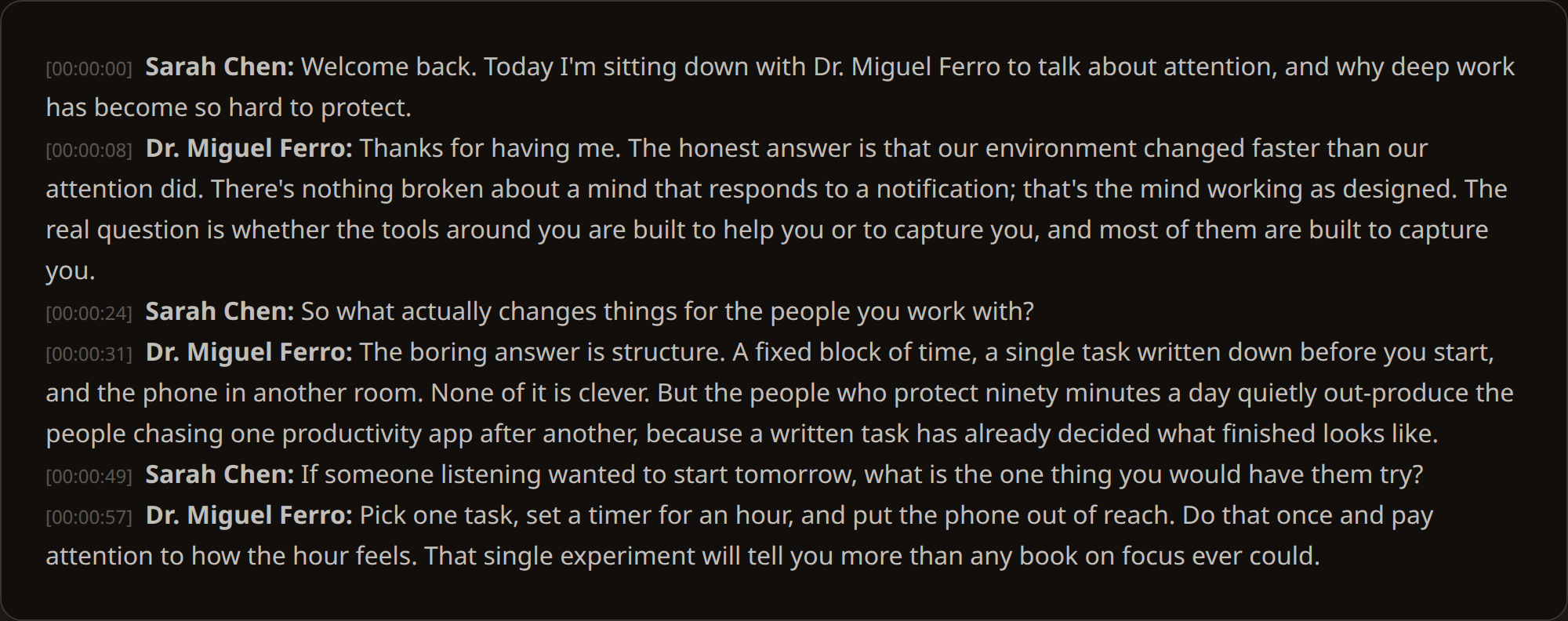
The result reads like a document, not the raw, punctuation-free stream YouTube's auto-captions produce when they do exist, with each speaker's turn labelled and every paragraph timestamped.
AI transcription costs one credit per minute, and at Plus pricing that's €0.025/credit, so a 45-minute video is 45 credits, about €1.13. For comparison, professional human transcription runs $1 to $3 per audio minute (industry pricing) and takes days. AI transcription won't match a careful human on the hardest audio, but for a video that simply never got captions, it turns nothing into a usable transcript in minutes.
Try it on a video that has no transcript
The quickest way to know whether this solves your problem is to run the video through it. A free account includes 50 credits, enough to transcribe 50 minutes of audio, with no subscription and no card. If the result isn't good enough, you've lost nothing. If it is, the credits you buy afterwards never expire, so they're there the next time a video turns up without a transcript.