



SRT generator: create a subtitle file from video or audio
You have a video, a link or a recording, and you need a subtitle file. Not subtitles painted onto the picture, but the file itself: an .srt or .vtt you can hand to an editor, upload to a player, or attach to a course. INDXR turns the spoken words into that file, rebuilt to read cleanly rather than left as the raw fragments most tools return. It is free with a free account, which includes 25 credits.
What you get: an SRT or VTT file
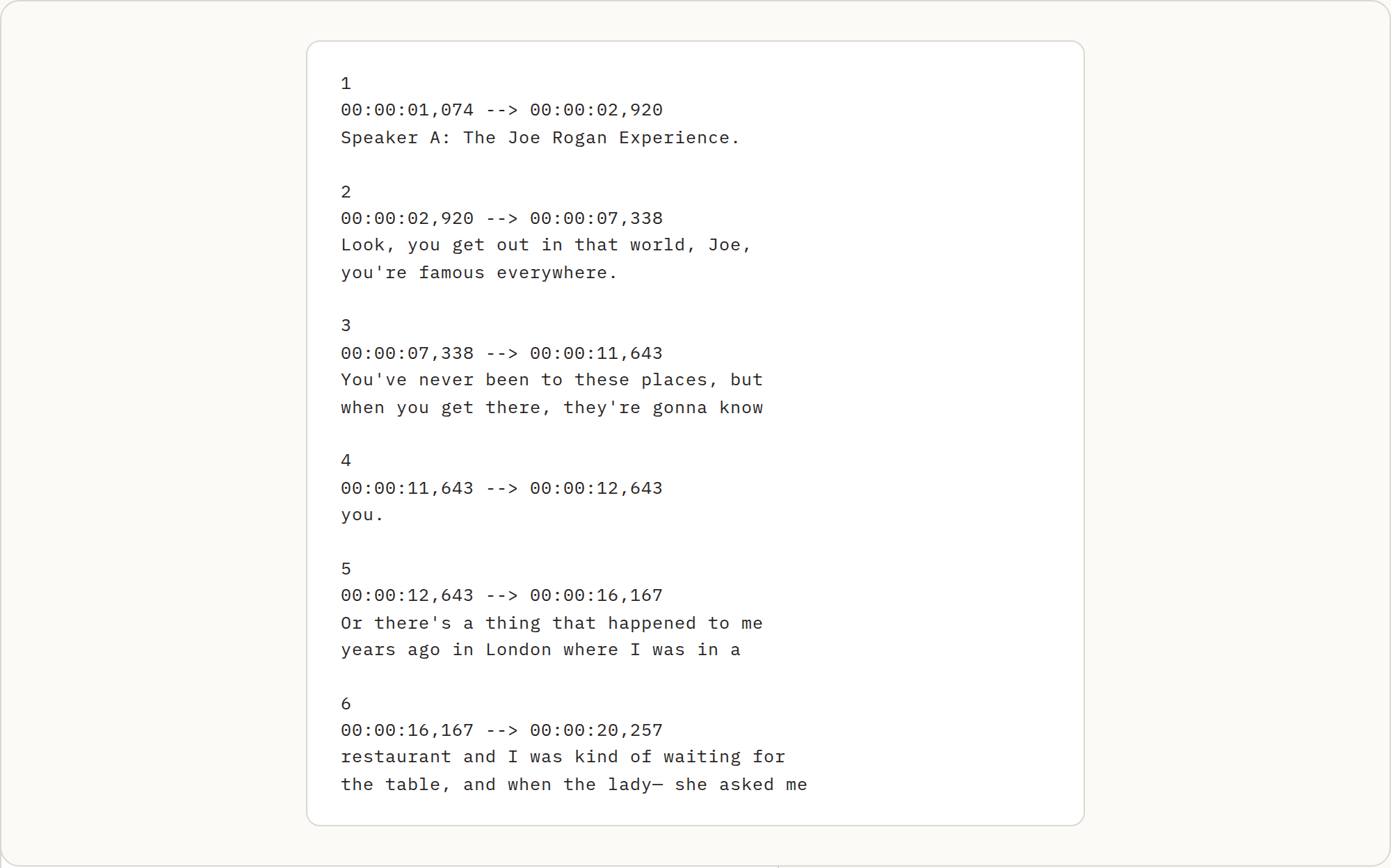
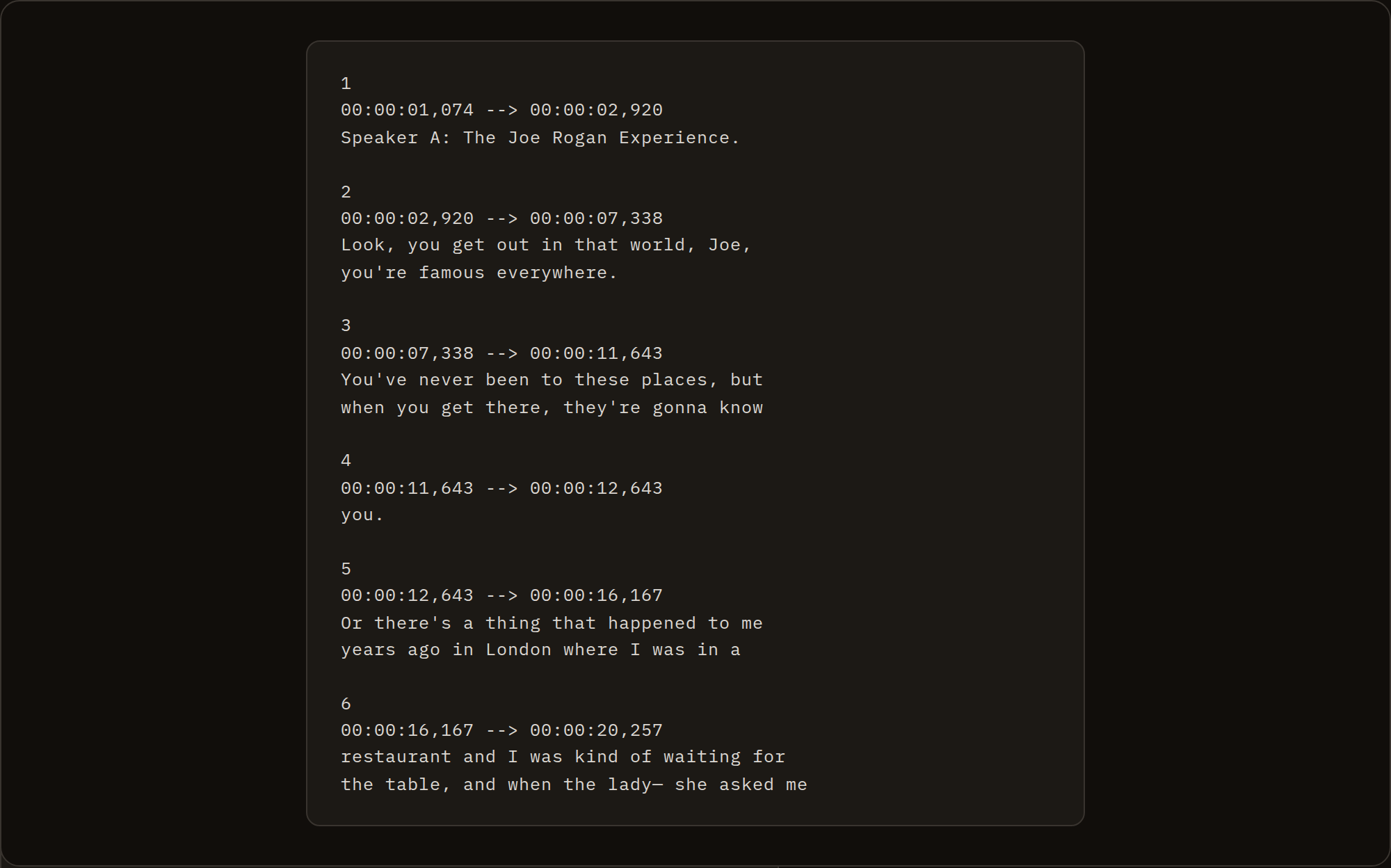
Every transcript exports as both SRT and VTT, and both are free. Here is a real fragment, taken verbatim from the generator running on a stored transcript, the opening of a lecture on YouTube:
3
00:00:33,509 --> 00:00:38,799
This is a course about Justice and we
begin with a story suppose you're the

4
00:00:38,799 --> 00:00:43,760
driver of a trolley car, and your trolley
car is hurdling down the track at sixty

5
00:00:43,760 --> 00:00:48,999
miles an hour and at the end of the track
you notice five workers working on the
Numbered cues, a start and end time, and one or two short lines each. No line runs over 42 characters, and no cue stays on screen so briefly that it flickers past. That is the shape a player or an editor expects.
How the blocks are made
This is where the file is won or lost. Many generators cut on a character count, or take the transcript's own segments and copy them across one for one, which leaves you with fragments that flicker and lines that overflow. INDXR does neither. It throws the segment boundaries away, builds a timeline for each individual word, and then groups the words again for reading, following the Netflix guideline that most of the industry works to.
The rules, in plain terms:
- At most 42 characters per line, across at most 2 lines per block. A block that would need a third line, or a word past the limit, starts a new block instead.
- No block on screen longer than 7 seconds, and none shorter than 1 second.
- A block prefers to end on a sentence boundary: if it would stop mid-sentence but a sentence ended earlier inside it, it is cut back to that point, so a sentence is only split when it is too long for one block.
- Each block is held long enough to read, lengthened toward 20 characters per second by filling the silence before the next block, and never left above 21 characters per second. Filling silence keeps the timing from drifting out of sync.
- A change of speaker always starts a new block.
The reference pages carry the exact fields and are the place to look for the format itself: the SRT spec and the VTT spec.
A segment is not a subtitle block
The clearest way to see the difference is to put the raw transcript next to the file. The three cues above did not come from three neat segments. This is what went in:
[00:33.5]  This is a course about Justice and we begin with a story
[00:37.8]  suppose you're the driver of a trolley car,
[00:40.2]  and your trolley car is hurdling down the track at sixty miles an hour
Three segments, cut where the speech recognition happened to pause. In the file above, the first segment and the opening words of the second were merged into block 3, and the second segment was split: the rest of it opens block 4, which then borrows the start of the third segment. A segment boundary and a block boundary are not the same thing, and forcing them to be is what produces subtitles you have to fix by hand.
Across a whole file the effect is large. One real 55-minute lecture came in as 1,142 transcript segments and came out as 630 subtitle blocks, averaging about 5.2 seconds each, with no line over 42 characters.
SRT or VTT, and what happens to speakers
The two files hold the same cues; the surface differs. SRT writes the time with a comma before the milliseconds; VTT uses a dot and opens with a WEBVTT header, plus a short note carrying the title and language:
WEBVTT

NOTE
title: Justice: What's The Right Thing To Do? Episode 01
language: en

3
00:00:33.509 --> 00:00:38.799
This is a course about Justice and we
begin with a story suppose you're the
Where a transcript has speaker labels, the two formats carry the name differently, and that changes how each one breaks into blocks. SRT has no speaker field, so the name goes inside the text as a Name: prefix, and it counts against the 42-character line. VTT has a native <v Name> voice tag that sits outside the line budget and is invisible on screen, so the full 42 characters stay free for the words. Because the name costs characters in SRT but not in VTT, the block that opens a speaker's turn fits less text in SRT, so the two files divide the same speech into slightly different blocks.
From a file or a link to a download
Paste a YouTube link or upload a file, wait for the transcript, then pick SRT or VTT from the export menu and the file downloads. If the video already has captions, extracting them is free and takes a few seconds; if it does not, or you uploaded your own file, it is transcribed first at 1 credit per minute.
One thing to be straight about: anonymously you can only download plain text. SRT, VTT and the other formats need an account, which is free and includes 25 credits. It is a sign-in wall, not a paywall, on the subtitle files themselves.
It works on an audio file too
You do not need a video. Upload an audio recording and you get the same SRT and VTT, with the timestamps counted from the start of the recording rather than a video timeline. Uploads run through AI transcription, so the words come back punctuated and split by speaker, which gives the block builder real sentence boundaries to cut on. It accepts thirteen formats in all, audio and video together.
| Audio formats | MP3, MPGA, M4A, WAV, OGG, FLAC |
| Video formats | MP4, MPEG, WEBM, MOV, FLV, AVI, MKV |
| Maximum file size | 500MB |
| Maximum length | 10 hours per file |
What it will not do
It does not burn subtitles into the picture. INDXR makes the subtitle file, and the SRT it hands you is precisely what a video editor imports to lay subtitles over the video or burn them in; that step belongs in the editor. If a recording has no speech at all, you get no file and no charge, because the transcription cost is reserved when the job starts and returned in full if nothing is transcribed.
For getting the words out of a video file in the first place, video to text covers the upload side; for every other way to export a transcript, and for importing subtitles into a specific editor, transcript export formats is the hub.