




YouTube to notes: turn any video into notes you keep
You watched an hour of something worth remembering. A lecture, a long interview, a talk you will want to quote later. A week from now you will remember that it was good and nothing else.
INDXR helps you turn that video into something you can work with. The transcript becomes a summary broken into chapters, each with the timestamp it starts at and worked-out notes underneath. Read it as reference later, or edit it into the shape you actually want and export it as Markdown into Obsidian or wherever you keep your notes. The thinking stays yours. The structure is what we hand you.
A free account comes with 25 credits. That is enough for 25 minutes of AI transcription, or for summarising several full-length videos that already have captions.
What the summary looks like
The summary follows the video. Each chapter is a real section of the talk, with the timestamp where it starts and notes that work the material out rather than compress it into a sentence.
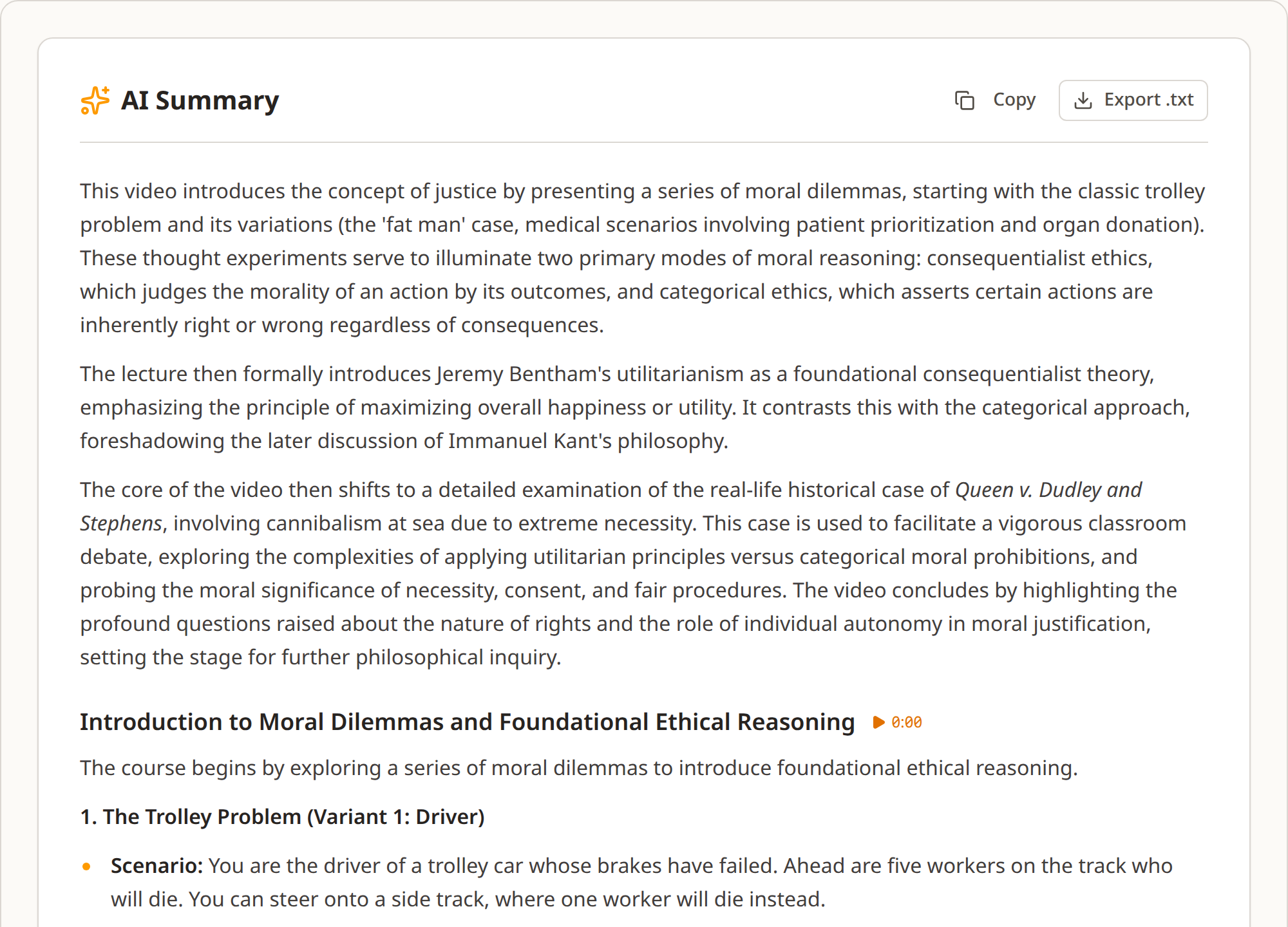
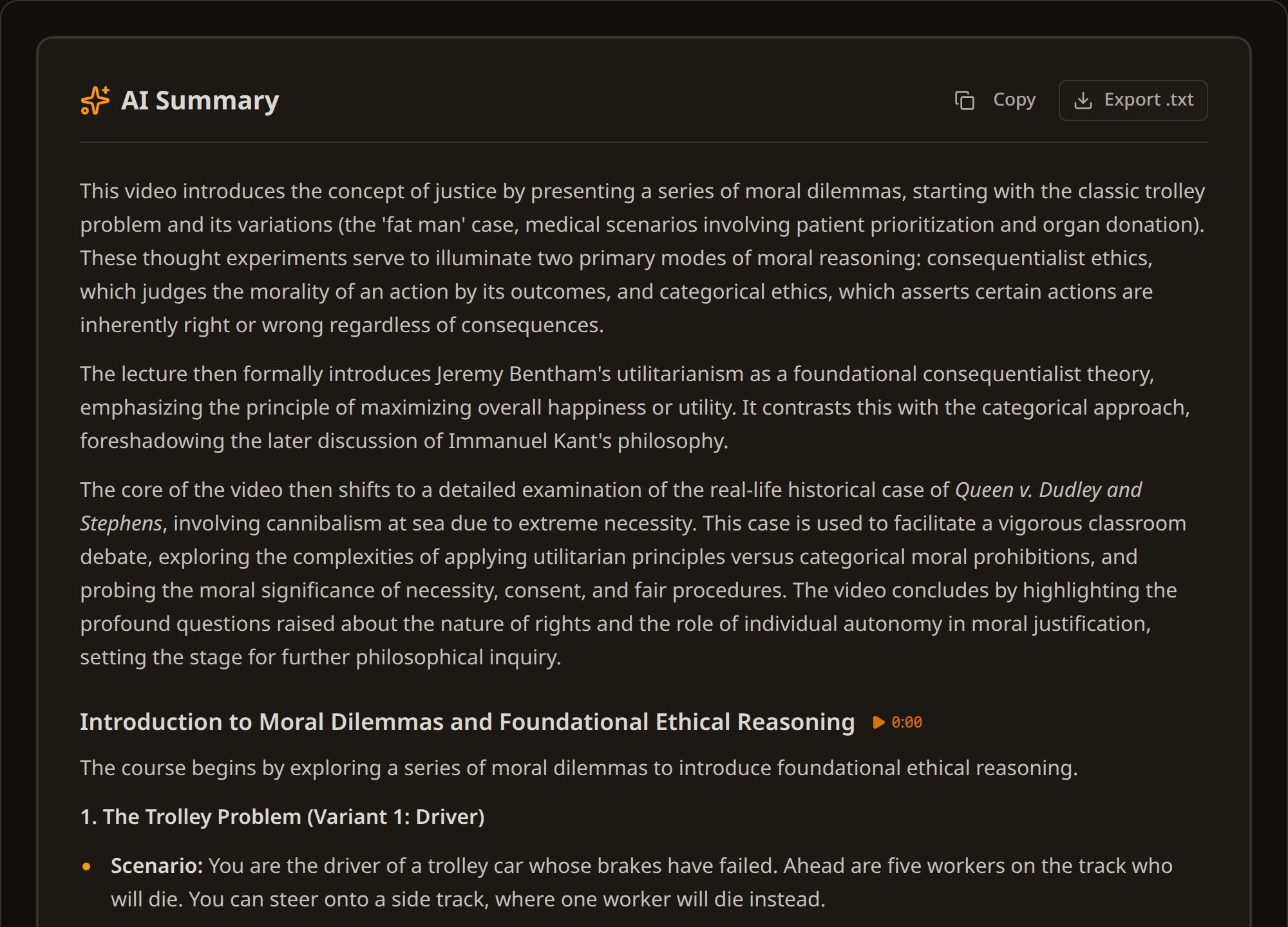
That is the trade it makes. These are study notes, not an abstract: a fifty-five minute Harvard lecture with a seven thousand word transcript produces around thirty-six hundred words of notes across five chapters. Shorter than the transcript, but that is not the point. The point is that it has a structure you can navigate, headings you can scan, and timestamps that take you back to the moment something was said.
The chapter breaks follow the talk, not a stopwatch. Research on instructional video puts the useful segment at around six to nine minutes, and that is the density we aim for. Where one argument runs longer than that, it stays in a single chapter rather than being cut in half, because a break in the wrong place costs more than a long chapter does.
Then you make it yours
A generated summary is a starting point, not a finished note. Open the edit tab and it becomes a document you can work in: cut the chapters you do not need, add the connection you saw that the model did not, put your own question at the top.
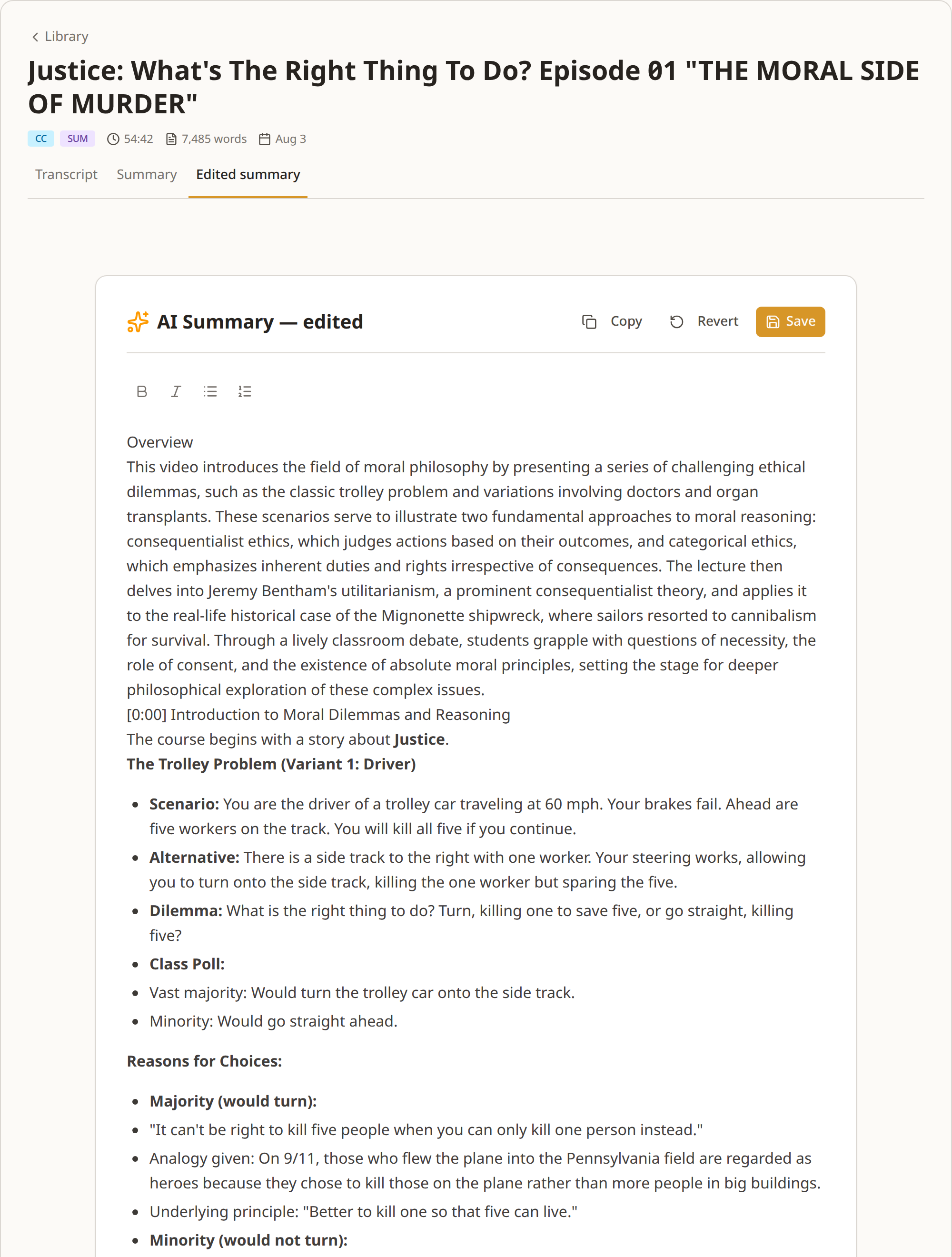
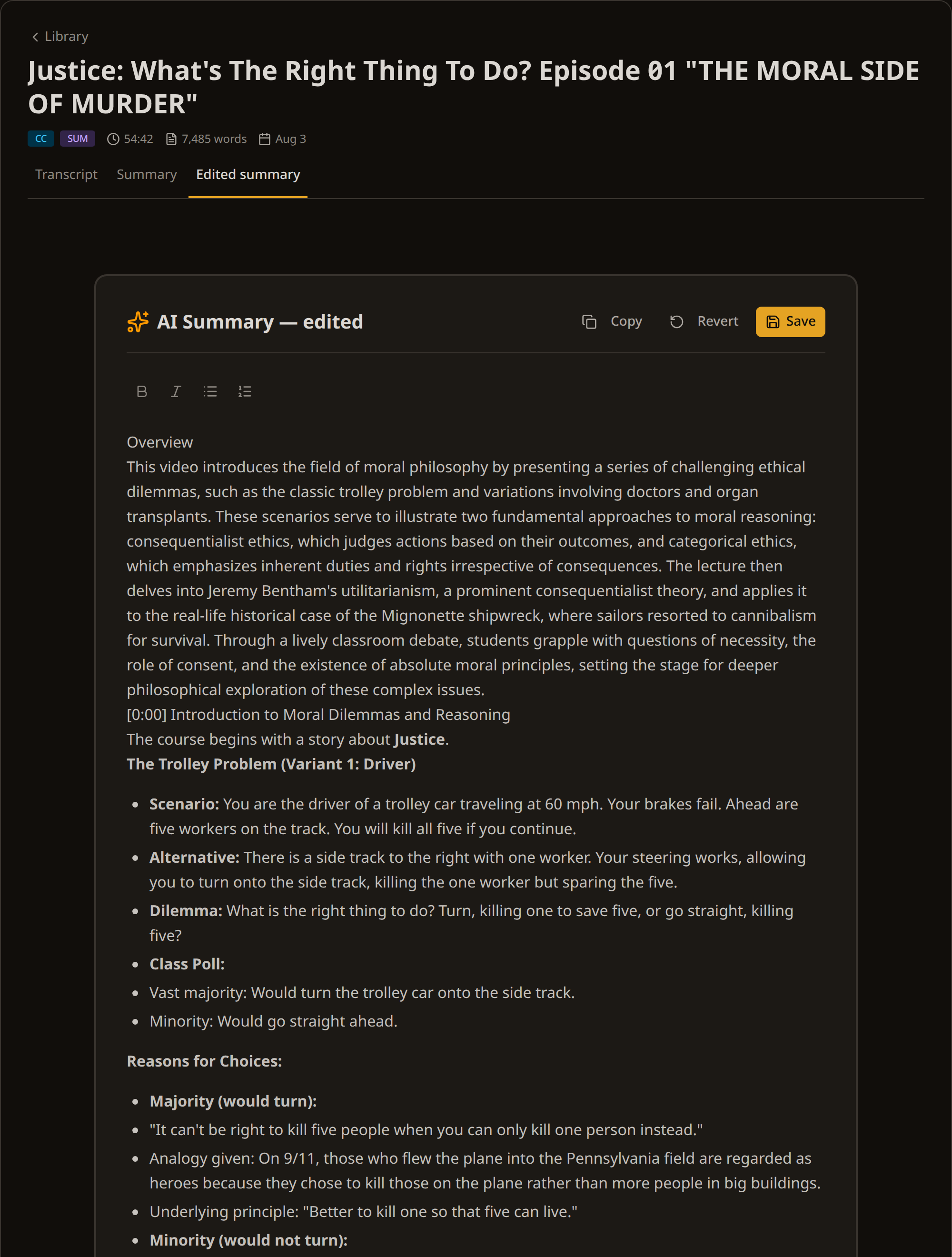
Your version is stored next to the generated one, never on top of it. Both are exportable and labelled separately, so the file you download is always the one you meant.
What lands in your vault
This is a real export of that Harvard lecture:
---
title: "Justice: What's The Right Thing To Do? Episode 01"
url: "https://www.youtube.com/watch?v=kBdfcR-8hEY"
channel: "Harvard University"
duration: 3282
language: "en"
transcript_source: "YouTube captions"
created: "2026-08-25"
type: youtube
tags: [youtube, summary]
---

# Justice: What's The Right Thing To Do? Episode 01

## Overview

This video introduces the field of moral philosophy by presenting a series of challenging ethical dilemmas, such as the classic trolley problem and variations involving doctors and organ transplants. These scenarios serve to illustrate two fundamental approaches to moral reasoning: consequentialist ethics, which judges actions based on their outcomes, and categorical ethics, which emphasizes inherent duties and rights irrespective of consequences...

## [00:00:00](https://youtu.be/kBdfcR-8hEY?t=0) Introduction to Moral Dilemmas and Reasoning

The course begins with a story about **Justice**.

**The Trolley Problem (Variant 1: Driver)**
*   **Scenario:** You are the driver of a trolley car traveling at 60 mph. Your brakes fail. Ahead are five workers on the track. You will kill all five if you continue.
*   **Alternative:** There is a side track to the right with one worker. Your steering works, allowing you to turn onto the side track, killing the one worker but sparing the five.
*   **Dilemma:** What is the right thing to do? Turn, killing one to save five, or go straight, killing five?

## [00:24:44](https://youtu.be/kBdfcR-8hEY?t=1484) Revisiting Moral Frameworks and Introducing Utilitarianism
...
The front matter is filled from what the video actually carries: title, channel, duration, language and source. Fields without a value are left out rather than filled with placeholders.
How it works
Paste the link. A video with captions is extracted for free and appears in seconds. A video without them can be transcribed with AI at 1 credit per minute.
Generate the summary. One button on the summary tab, with the price and your balance shown before you confirm. It runs in the background and you can watch it work through the chapters, so the tab can be closed and picked up later.
Edit it if you want to. The edit tab gives you the summary as a document. Save when you are done; the generated version stays untouched.
Export it. Markdown or plain text, the generated version or your edited one. Download it and move it into your vault. The transcript is a separate export with its own formats, if you want that alongside the notes.
In Obsidian
The front matter maps onto Obsidian Properties without any configuration, so a vault of these notes is queryable the moment you drop them in. Duration is stored in seconds, which makes length comparisons trivial:
TABLE channel, duration / 60 AS "Minutes"
FROM #youtube
WHERE type = "youtube"
SORT duration DESC
There is no plugin to install and nothing to keep working. A plugin reads YouTube's page in your browser, and YouTube changes that page without notice: it changed twice in 2026 alone, and each time the transcript came back empty with no error at all. A Markdown file has no such dependency.
In Notion and elsewhere
Notion imports Markdown files directly and turns the headings into a page outline, so the chapter structure survives. It does not map YAML front matter onto database properties automatically, so if you keep a video database there you either paste the fields in once or strip the front matter before importing.
Anything that reads Markdown works: Logseq, Bear, Craft, a git repo, a folder of files. The file is plain text.
What it costs
| Transcript from YouTube captions | Free |
| AI transcription | 1 credit per minute |
| Summary | 3 credits up to 30 minutes, then +1 per 10 minutes after that |
| Editing and exporting | Included |
The Harvard lecture above: the transcript cost nothing because the video had captions, and the summary cost 6 credits. Every text and Markdown export is included, for the transcript and for the summary. RAG JSON, meant for feeding a vector database rather than a note app, is priced separately at 1 credit for every 10 minutes of video, rounded up; the first 3 are free.
No subscription, and credits never expire.
Try it
A free account includes 25 credits, enough for 25 minutes of AI transcription or several caption-based summaries, with no subscription and no card.
Frequently Asked Questions
Does the summary export as Markdown?
Can I edit the summary?
What happens to my edits if I regenerate?
How long does a summary take?
How many chapters will I get?
What if the video has no captions?
Do the timestamps still work in my notes?
Can I do this for a whole playlist?
Sources
- Mayer, Fiorella and Stull — Five ways to increase the effectiveness of instructional video (2020)
- Biard, Cojean and Jamet — Effects of segmentation and pacing on procedural learning by video (2017)
- Obsidian — Properties
- Obsidian Forum — Web Clipper YouTube transcript breakage (thread 111550)
- Notion — Import data into Notion
- Logseq
- Bear
- Craft