




YouTube playlist transcript: extract every video in one job
You have a YouTube playlist and you want the transcript of everything in it: a course, a conference channel, a research list, a season of a podcast. Doing it a video at a time means a URL, a wait and a download for each one. INDXR takes the playlist URL and runs the whole list as a single job on the server, so you start it once and the finished transcripts arrive in your library as they complete. The first 3 videos with captions are free, each caption video after that costs 1 credit, and a video with no captions can be transcribed by AI at 1 credit per minute. A free account includes 50 credits.
How a playlist run works
Paste the playlist URL. Before anything starts, INDXR fetches every video in the list with its title and length, and checks which ones you already have in your library. Videos you have already transcribed are left out of the job by default, so you are not charged twice for them.


You pick which videos to include and confirm. Each one starts on captions, and you can switch any of them to AI transcription on the same screen, with the credit total updating as you go. A video that turns out to have no captions is skipped during the run, and the credits held for it come back to your balance.
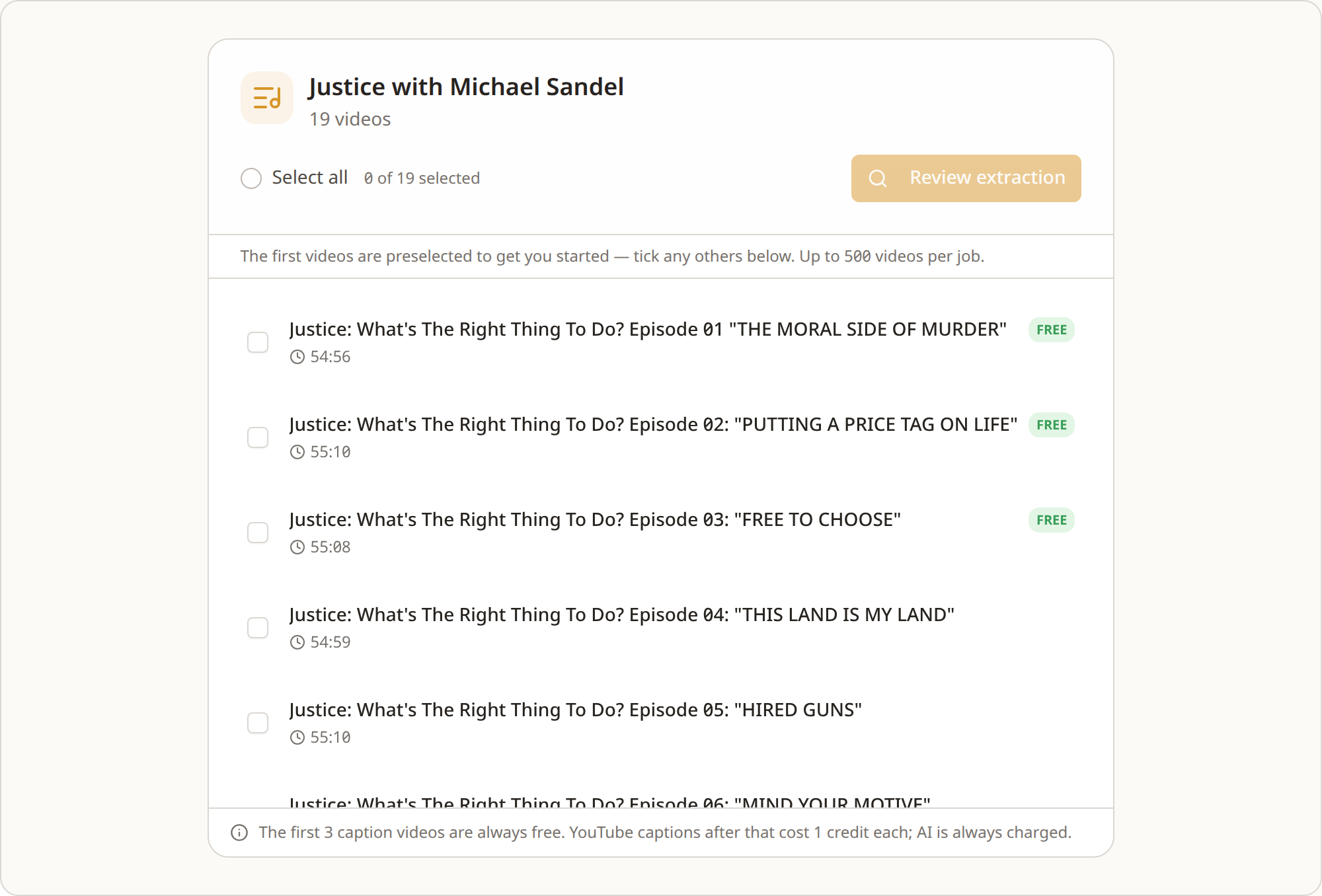
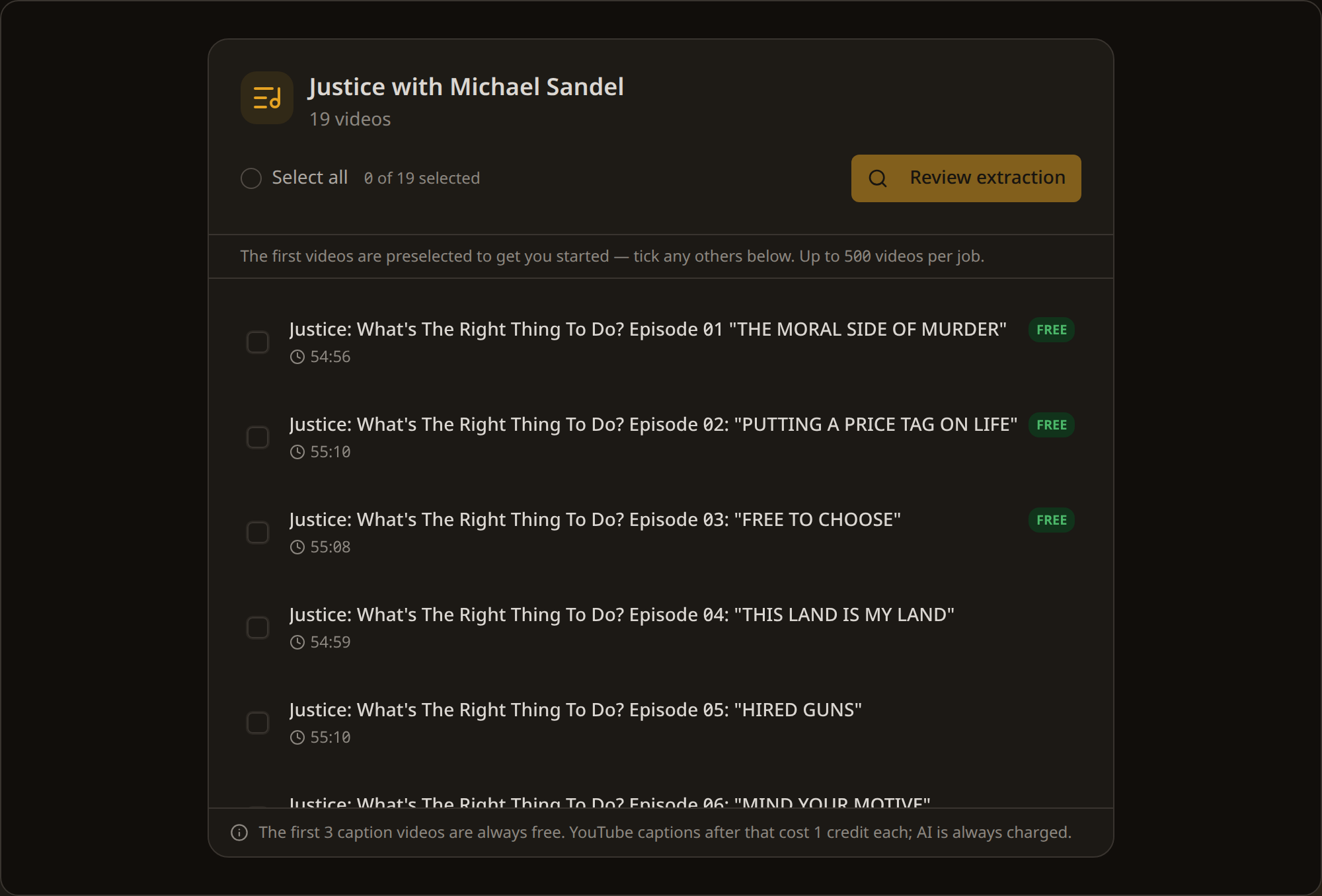
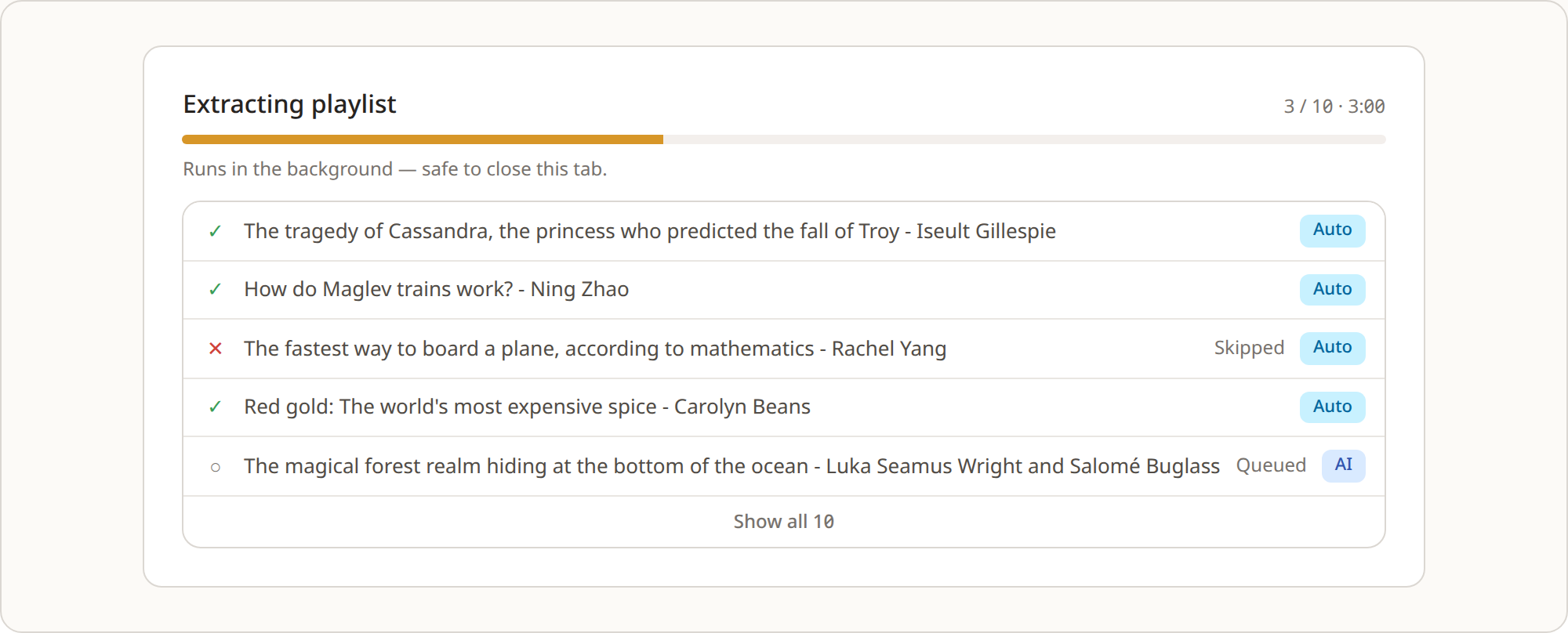
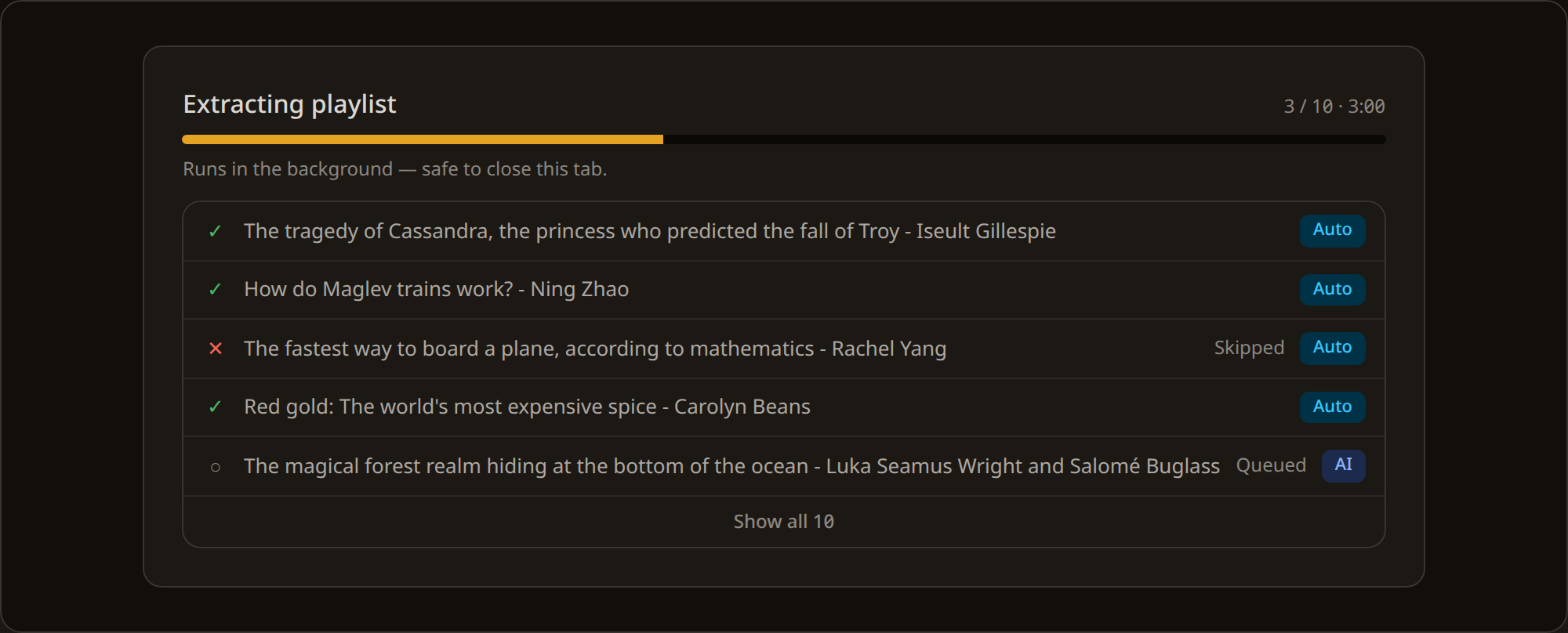
The job then runs on the server. It runs in the background, so it is safe to close this tab. When you come back the progress replaces the review screen, and any videos that finished while you were away are already in your library.
What it costs
The first 3 videos with captions in a playlist are free, and each caption video after that costs 1 credit. AI transcription, for videos with no captions, costs 1 credit per minute wherever it is used. AI transcription never takes one of the free caption slots, so the order the videos happen to sit in does not change the total.
A real example
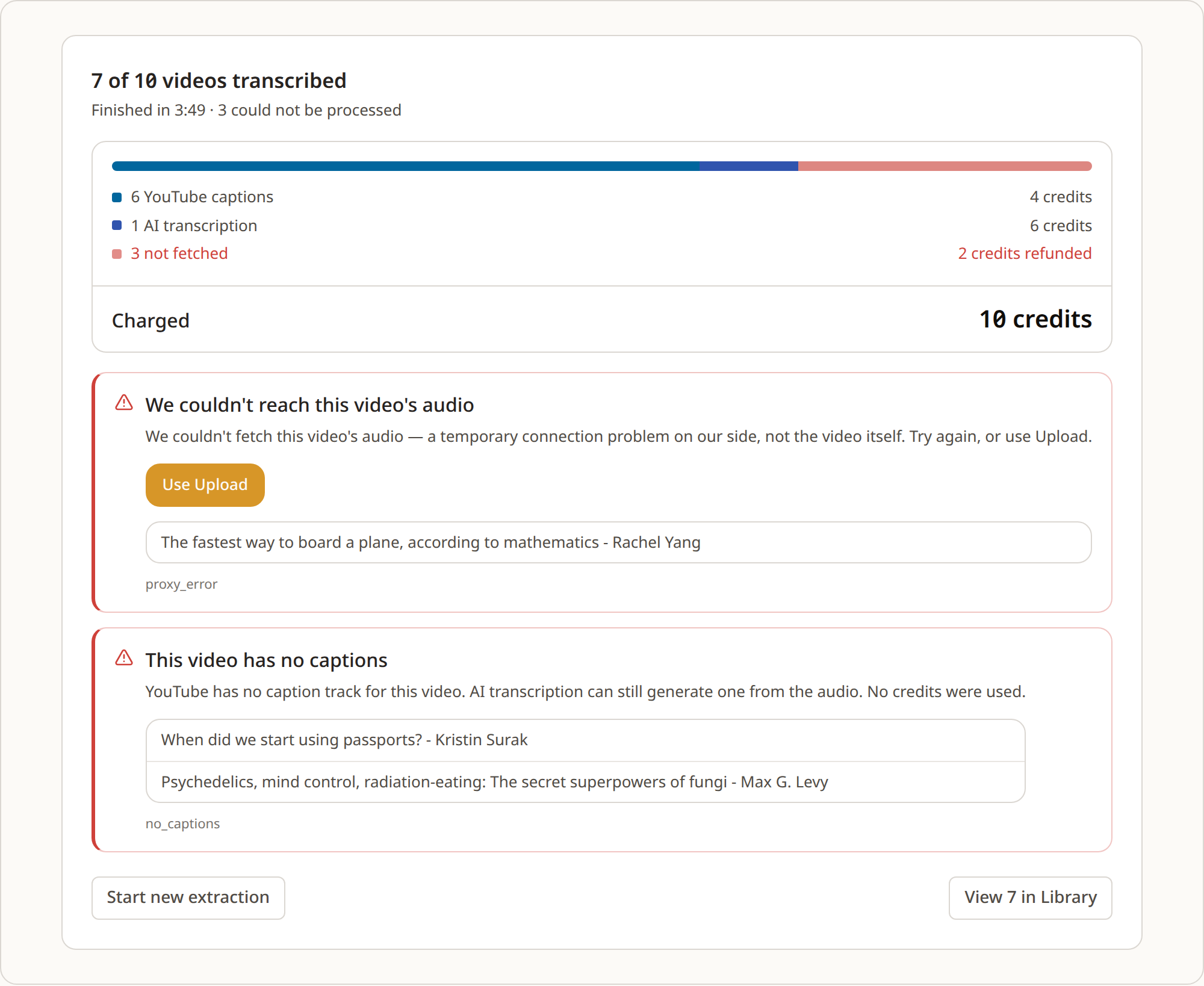
This is one of our own test extractions, run to check the numbers, not a customer's. We ran a ten-video playlist, nine of the videos on captions and one on AI transcription. Twelve credits were reserved at the start, ten were charged, and two came back, with the whole job finished in under four minutes. Two of the three free videos succeeded, and the third dropped out on a network error. The four paid caption videos all succeeded. The one AI video, five minutes and fifty-one seconds long, cost six credits. Two of the videos turned out to have no captions and were skipped, which is where the two refunded credits came from.
When a video cannot be transcribed
One video failing never stops the rest of the job, and you are never charged for a video that does not produce a transcript. What the run shows you depends on why it failed.
| What went wrong | What the run shows | Does retrying help |
|---|---|---|
| The video has no captions | “This video has no captions” | No, but AI transcription can read it from the audio |
| Private or removed | “This video isn't available” | No |
| Age-restricted | “This video is age-restricted” | No, though you can upload the audio yourself |
| Rate-limited by YouTube | “YouTube rate-limited this request” | Usually, a retry goes out on a fresh connection |
| A network problem on our side | “We couldn't reach this video's audio” | Sometimes, retry it or upload the audio |
Rate-limited and network failures are grouped together on the completion screen with a Retry all button, which re-runs just those videos on a fresh connection. The permanent ones, a private video or a video with no captions, are listed separately, because retrying them would not change the result.
Limits and channels
A few hard limits are worth knowing before you start a large playlist.
| Videos per job | 500 |
| Jobs running at once | 3 |
| Length per AI-transcribed video | 10 hours (caption extraction has no length limit) |
| Library storage | 100 MB free, up to 500 MB |
A playlist larger than 500 videos is split into batches of 500, and every batch lands in the same library. Selecting 50 or more videos shows a note that the job will take a while and can run in the background; that is a heads-up, not a limit.
A channel URL is not accepted. To transcribe a channel, make a playlist of the videos you want in YouTube and paste that playlist URL instead. A channel URL that already carries a playlist parameter is treated as the playlist it points to.
What people use it for
Course transcription. Extract all the lectures from an educational playlist and export each as Markdown for an Obsidian or Notion knowledge base, or as a merged CSV for analysis.
Research corpus. Transcribe a conference archive, a speaker's body of work, or a topic-specific playlist, then export the set as a single merged CSV or RAG JSON to get one queryable dataset.
Your own archive. Extract your own video playlist and export it as plain Markdown, ready to feed into an assistant for a blog post, a newsletter or social content.
Exporting a whole playlist
Every video becomes its own transcript in your library, and each one exports in seven formats: TXT, Markdown, SRT, VTT, CSV, JSON, and RAG JSON. See the export formats reference for the schema and what each one is for.
To take a whole playlist at once, select the transcripts in your library, pick a format, and download a ZIP with one file per video, named consistently as video-title_video-id.ext. For AI pipelines the RAG JSON export can be merged into a single array across the playlist, so a course or a channel becomes one dataset rather than a folder of files.
Try it on a playlist
The way to judge this is to run a real playlist through it. A free account includes 50 credits, enough to pull captions from a playlist and try AI transcription on a video or two, with no subscription and no card. For how the wider pipeline fits together, see how INDXR works.